Surf the Web
43
Surf the Web
Surf the Web
Access your favorite sites right from your
phone. Click on one of our featured links,
do a quick search, or enter a URL of your
own.
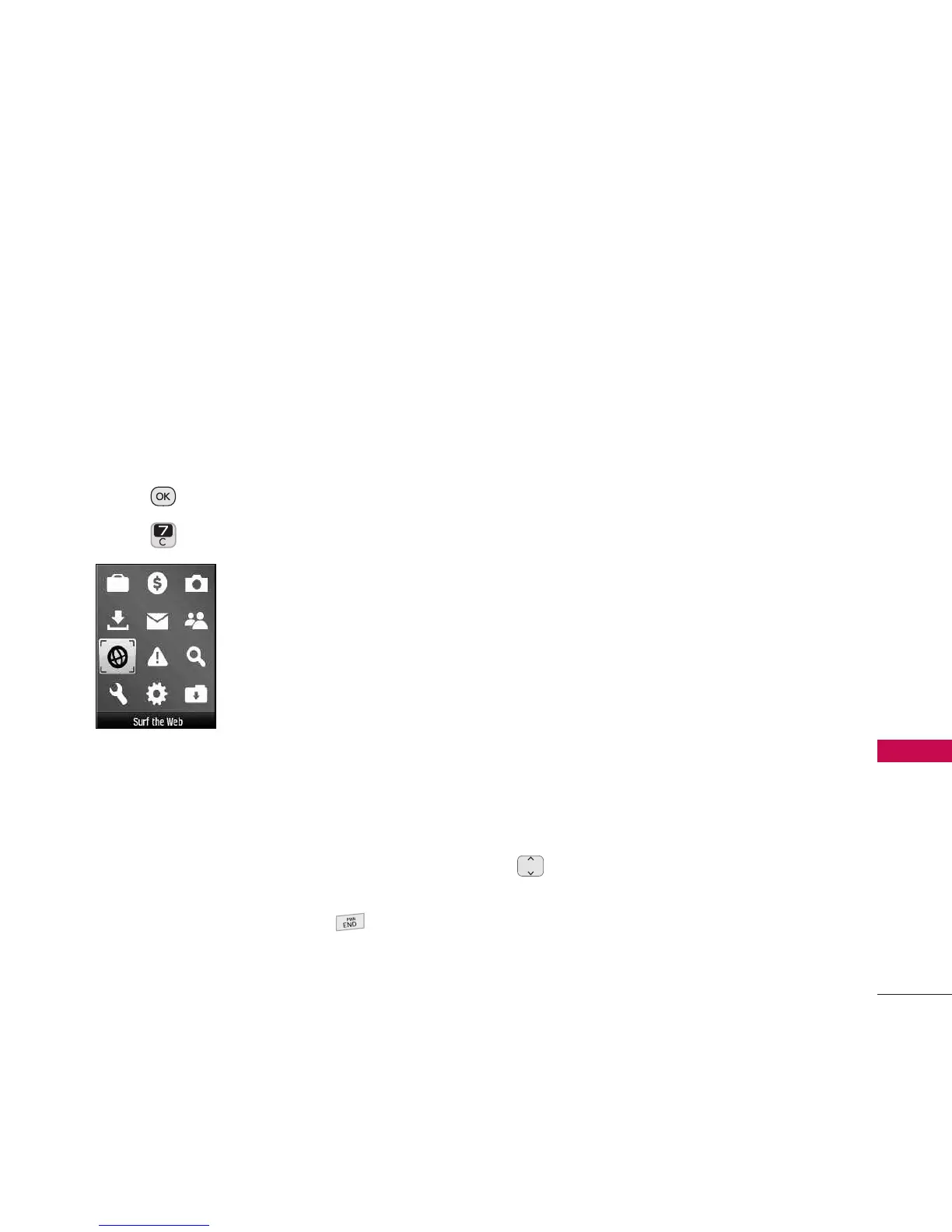
Access and Options
1. Press
Menu
.
2. Press
Surf the Web
.
3. A notification about air time charges
prompt may appear if the setting is
enabled.
4. Your Home page will load.
Ending a Web Session
End a Web session by pressing .
Navigating Through the Browser
On-screen items may be presented in one
of the following ways:
●
Numbered options
You can use your numeric keypad or you
can select the items by moving the
cursor and pressing the appropriate
Option Button(s).
●
Links embedded in content
You can act on the options or the links
by using the Option Buttons at the
bottom of the display screen.
●
Text or numbers
You can select the items by moving the
cursor and pressing the appropriate
Option Buttons.
Scrolling
Use to scroll through the content if
the current page does not fit on one
screen. The currently selected item is
indicated by a cursor on the screen.


 To Next Page