Tools/ Settings
53
Tools/ Settings
8. Stopwatch
Allows you to use your phone as a
stopwatch.
1. Press , , .
2. Press the Left Option Button
Start
to start the stopwatch and then press
the Left Option Button
Stop
to
stop it.
●
You can use the Lap function by
pressing the Right Option Button
Lap
to record up to 99 laps and lap
times.
3. Press Right Option Button
Reset
to
reset.
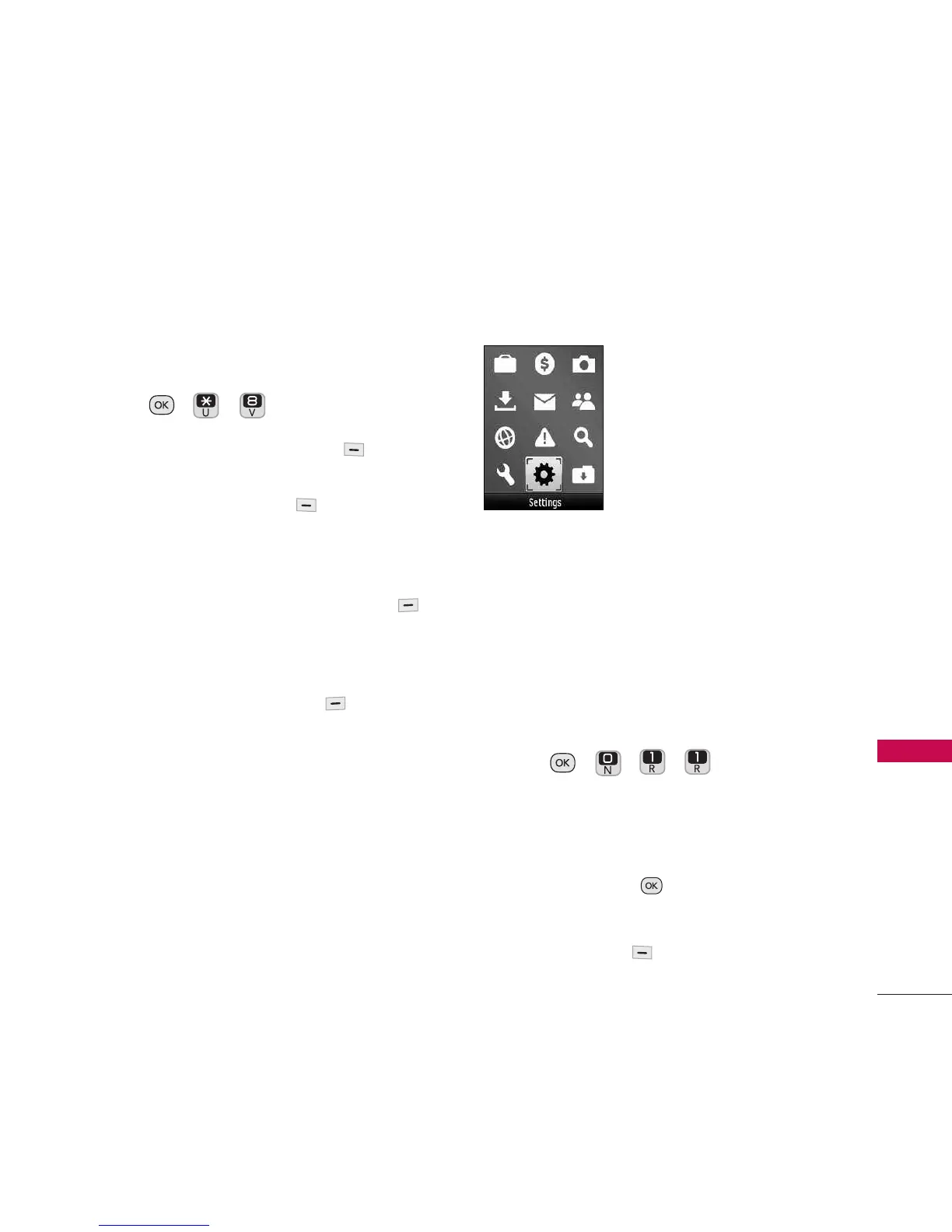
Settings
1. Display
Options to customize your phone's display
screen.
1.1 Wallpaper
Allows you to choose the kind of
background to be displayed on the phone.
1. Press , , , .
2. Highlight
No Image, Preloaded, My
Pictures, Assigned Media, Downloaded
Images, Take New Picture,
or
Slide
Show
and press .
3. Highlight the image and press the Left
Option Button
Assign
.


 To Next Page