*.7 Navigation Keys
Assign navigation keys to your favorite and
most frequently used functions. Select it
from the list, then access it directly by
pressing the navigation key from the Home
screen.
1. Press , , , .
2. Read the disclaimer and press the Left
Option Button
Continue.
3. Assign the navigation keys by pressing
and then selecting a function from
the list.
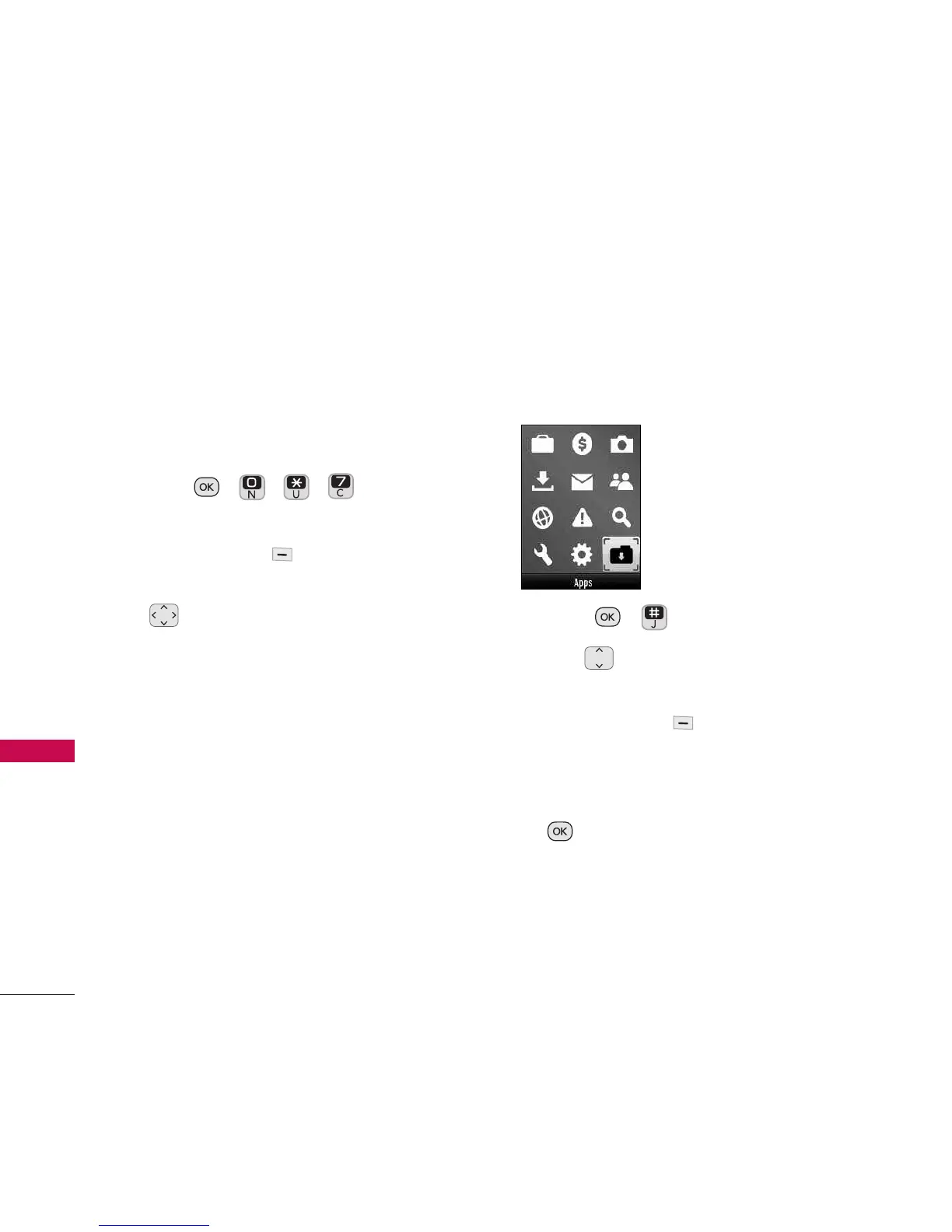
Apps
Download the latest applications at
www.virginmobileusa.com or directly from
your phone using Get More Apps.
1. Press , .
2. Use to highlight a game/
application, then and press the Left
Option Button
Launch
.
Or
Highlight
Get More Apps
and press
to download more games and
applications.
Settings
62
Settings


 To Next Page