Tools
52
Tools
6. Notepad
Allows you to add, read, edit, and erase
notes to yourself.
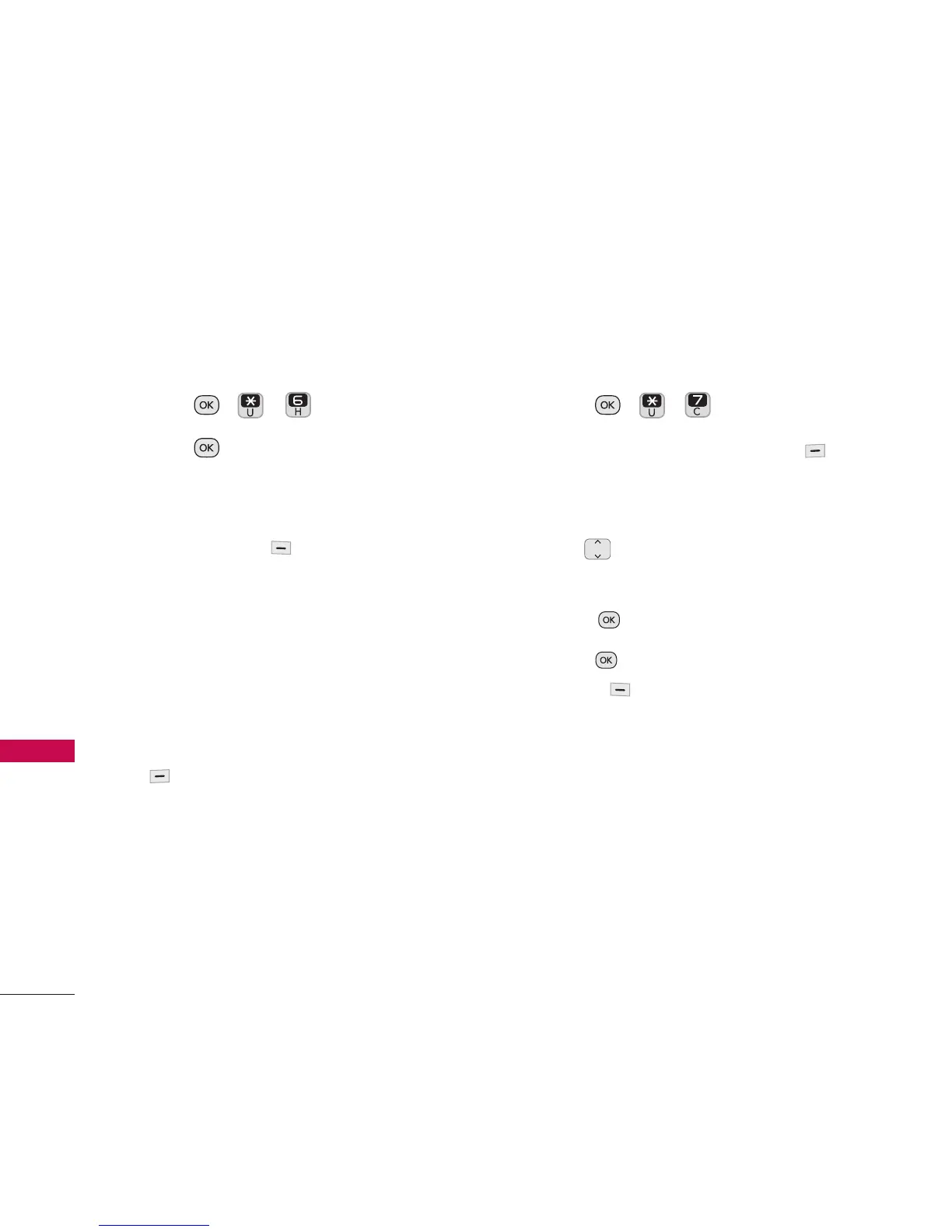
1. Press , , .
2. Press
New Note to write a new
note.
3. Type the note, then press the Left
Option Button
Save
to save it.
A confirmation message displays briefly,
then displays your list of notes.
Viewing/Editing a Notepad Entry
1. Access Notepad and highlight the entry.
2. To edit, press the Right Option Button
Options
for the following options:
New Note/ Edit/ Delete/ Send Text/
Lock/ Delete All
7. World Clock
Allows you to determine the current time in
another time zone or country.
1. Press , , .
2. Press the Right Option Button
Cities
to select a specific city and
display the date/time in that location.
3. Use to scroll through all available
cities.
4. Press to select the highlighted city.
5. Press , then press Left Option
Button
Set DST
to set Daylight
Savings Time.


 To Next Page