1.2 Brightness
Allows you to set the brightness level.
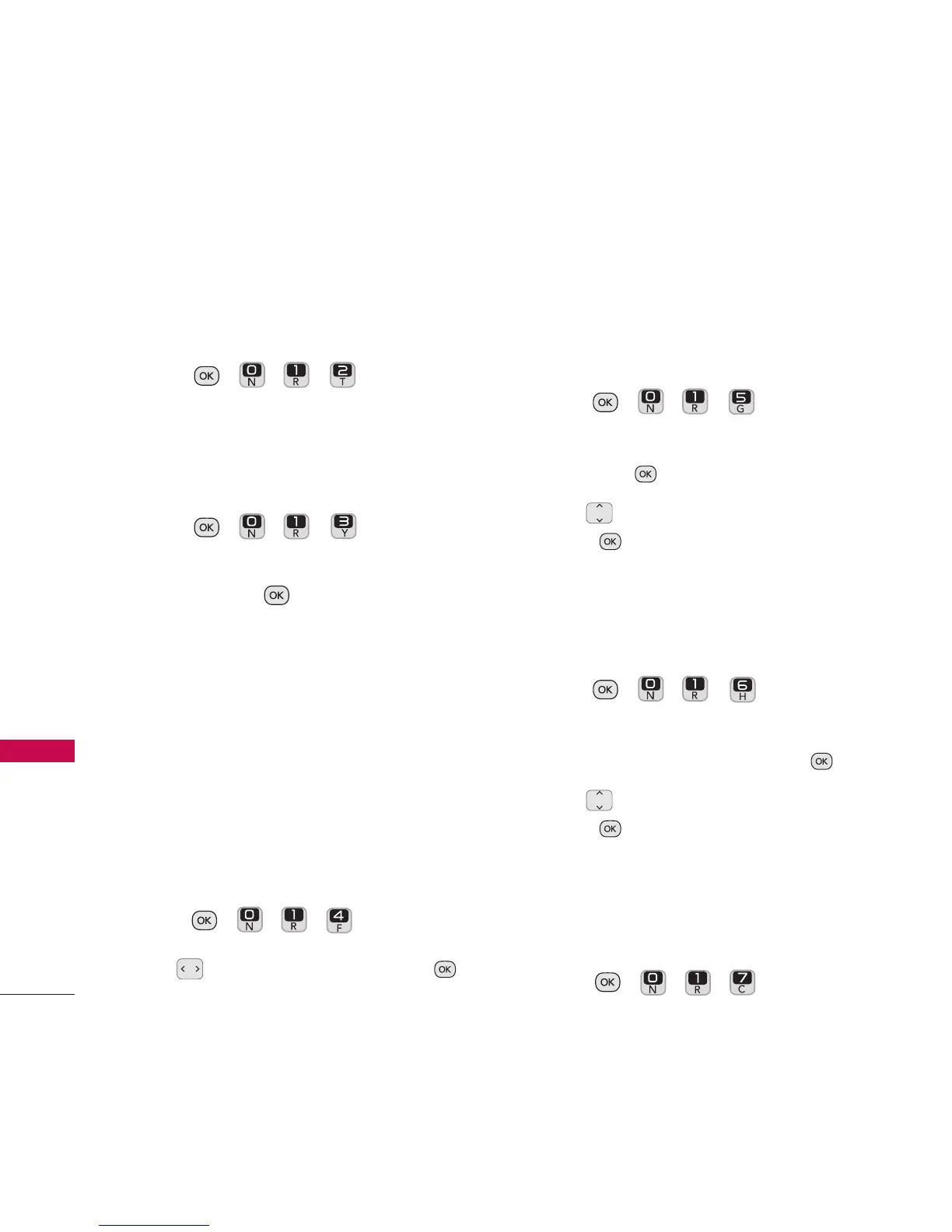
1. Press , , , .
1.3 Backlight
Allows you to set the duration for
illuminating the backlight.
1. Press , , , .
2. Highlight
Backlight Dim
or
Backlight
Off
and press .
Options for Backlight Dim
: Never Dim/
8 Seconds/ 15 Seconds/ 30 Seconds/
Always Dim
Options for Backlight Off
: After 1
Minute/ After 30 Seconds/ After 15
Seconds
1.4 Menu Styles
Allows you to view the main menu items as
icons or in a list.
1. Press , , , .
2.
Use to select Grid or List and press .
1.5 Foregrounds
Allows you to customize Clock + Calendar
and Greeting.
1. Press , , , .
2.Highlight
Clock
+
Calendar
or
Greeting
and press .
3. Use to highlight an option and
press .
1.6 Picture ID
Allows you to set Picture IDs for your
contacts.
1. Press , , , .
2. Highlight
Contacts, Unsaved Numbers,
or
Private/Unknown
and press .
3. Use to highlight an option and
press .
1.7 Font Size
Allows you to set the font size for your
Messages and Notepad.
1. Press , , , .
Settings
54
Settings


 To Next Page