47
Tools
●
Time
●
Content
●
Repeat Type
●
Alarm
●
Alarm Ringtone
●
Location
5. Press the Left Option Button
Save
.
3. Bluetooth
The LG200 is compatible with devices that
support the Bluetooth
®
headset , stereo
and handsfree profile(s)*. You may create
and store 20 pairings within the
LG200
and connect to one device at a time. The
approximate communication range for
Bluetooth
®
wireless technology is up to 30
feet (10 meters).
Bluetooth QD ID B017358
3.1 On/Off
Allows you to set the power On/Off.
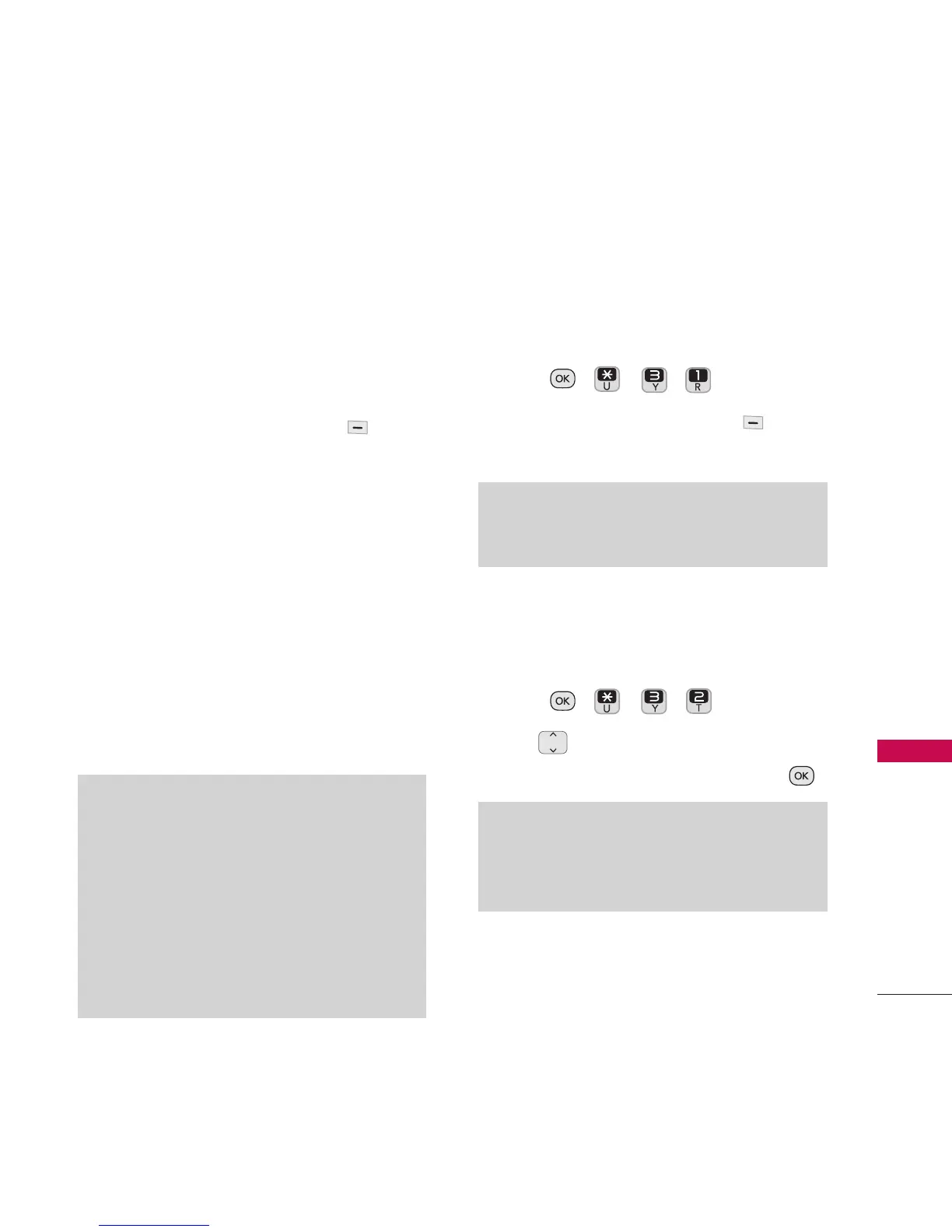
1. Press , , , .
2. Press the Left Option Button
On/Off
.
3.2 Visibility
Allows you to set the visibility of your
Bluetooth
®
device.
1. Press , , , .
2. Use to highlight
Hidden
,
Visible for
3 min
, or
Always visible
and press .
Note
If you turn on My Visibility, your device is able to
be discovered by other in-range Bluetooth
®
devices.
Note
By default, your device’s
Bluetooth
®
functionality
is turned off.
Note*
•
Read user guide of each Bluetooth
®
accessory
that you are trying to pair with your phone
because the instructions may be different.
• The Bluetooth
®
features available on this
phone may not be compatible with all
Bluetooth
®
enabled devices. LG cannot be held
responsible for compatibility issues with
devices not sold by LG.


 To Next Page