Clock
Off Time
On Time
Sleep Time
Auto Sleep
SETUP
O
PICTURE
O
OPTION
O
AUDIO
O
TIME G
Prev.
Menu
TIME MACHINE
O
100
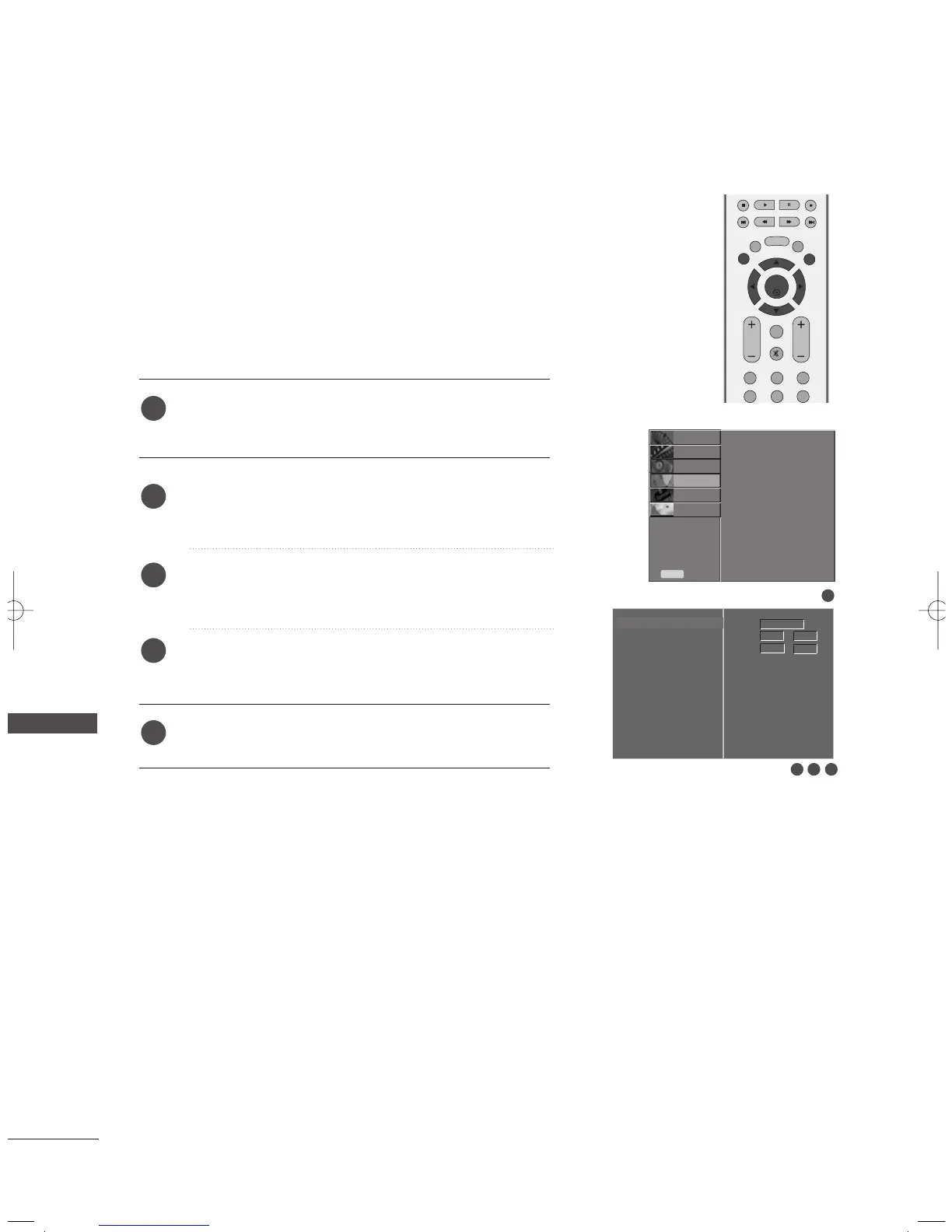
CLOCK SETUP
TIME SETTING
TIME SETTING
Press the
MMEENNUU
button and then
DD
//
EE
button to select
the
TTIIMMEE
menu.
Press the
GG
button and then
DD
//
EE
button to select
CClloocckk
.
Press the
G
button and then
F
or
G
button to select either
the year, date, or time option.
Once selected, use the
D
or
E
button to set the year, date,
and time options.
Press the
EEXXIITT
button to return to normal TV viewing.
You must set the time correctly before using on/off time function and
reservation recording function.
1
2
3
4
5
1
3 42
Clock G
Off Time
On Time
Sleep Time
Auto Sleep



 To Next Page