G
Do not look into the optical output port. Looking at the
laser beam may damage your vision.
CAUTION
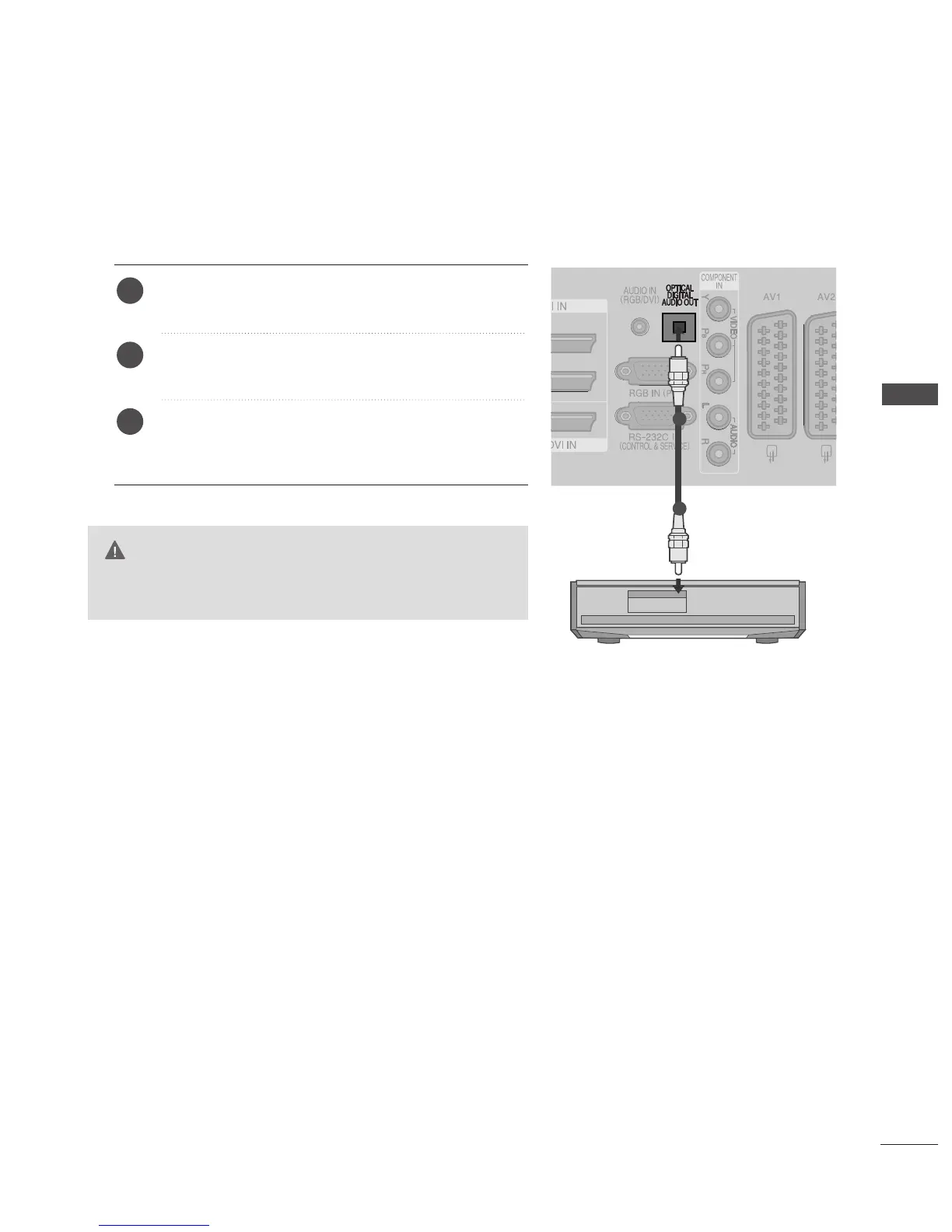
Connect one end of an optical cable to the TV Digital
Audio
(
Optical
)
Output port.
Connect the other end of the optical cable to the digi-
tal audio
(
Optical
)
input on the audio equipment.
Set the “TV Speaker option - Off ” in the AUDIO
menu.(
G
pp..8888
). Refer to the external audio equipment
instruction manual for operation.
2
3
1
1
2
23
EXTERNAL EQUIPMENT SETUP
DIGITAL AUDIO OUT SETUP
Sending the TV’s audio signal to external audio equipment via the Digital Audio Output (Optical) port.



 To Next Page