22
English
User Controls
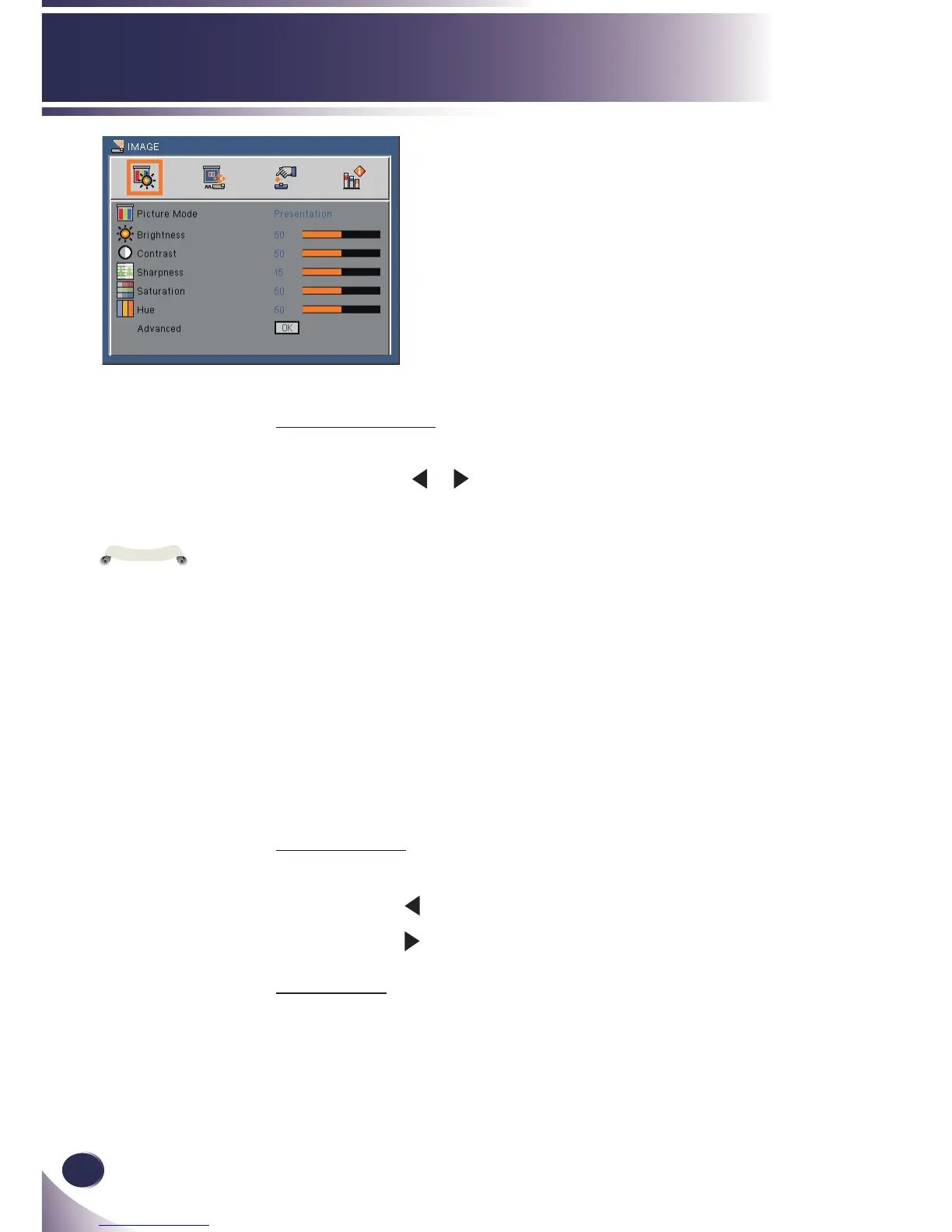
IMAGE
Picture Mode
There are many factory presets optimized for various types of im-
ages. Use the
or
to select the item.
Presentation: This mode is suitable for showing in front of public
in connection to the PC.
High-Bright: This mode is recommended when you want maxi-
mum brightness.
Classroom: This mode is recommended for projecting in a class-
room.
Movie: This mode is suitable for watching video.
sRGB: Standardized accurate color.
Blackboard: This mode should be selected to achieve optimum
color settings when projecting onto a blackboard (green).
User1/User2: Memorize user’s settings.
Brightness
Adjust the brightness of the image. (range: 0~100)
Press the to darken image.
Press the to lighten the image.
Contrast
The contrast controls the degree of difference between the lightest
and darkest parts of the picture. (range: 0~100)
When you change
the items, the pic-
ture mode will be set
“User1”.



 To Next Page