30
English
User Controls
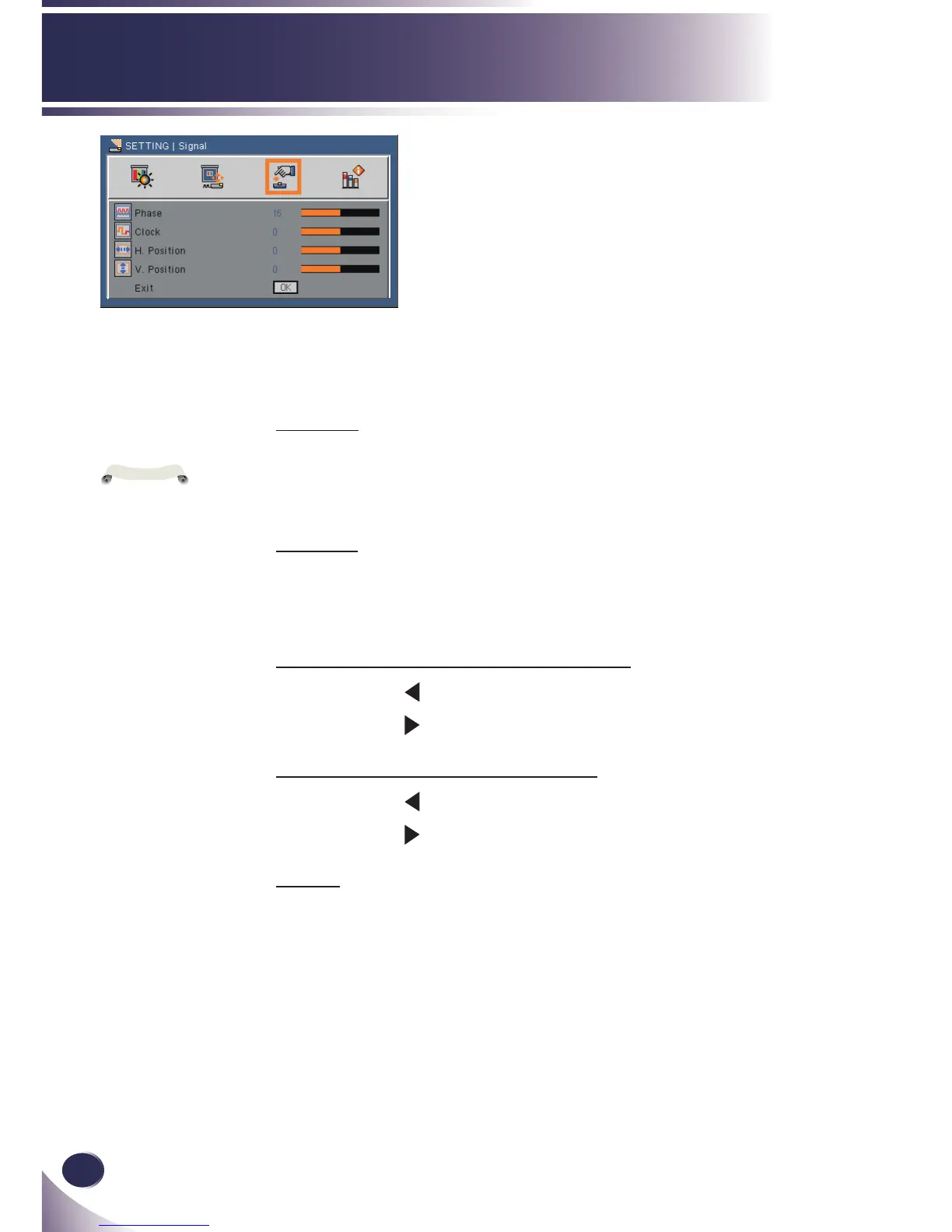
SETTING |
Signal
Phase
Synchronize the signal timing of the display with the graphic card.
If the image appears to be unstable or ickers, use this function to
correct it. (range: 0~31)
Clock
Change the display data frequency to match the frequency of your
computer’s graphic card. Use this function only if the image appears
to icker vertically. (range: -5~5)
H. Position (Horizontal Position) (range: -5~5)
Press the to move the image left.
Press the to move the image right.
V. Position (Vertical Position) (range: -5~5)
Press the to move the image down.
Press the to move the image up.
Exit
Return to previous menu.
“Signal” is only
supported in Analog
VGA (RGB) signal.



 To Next Page