26
English
User Controls
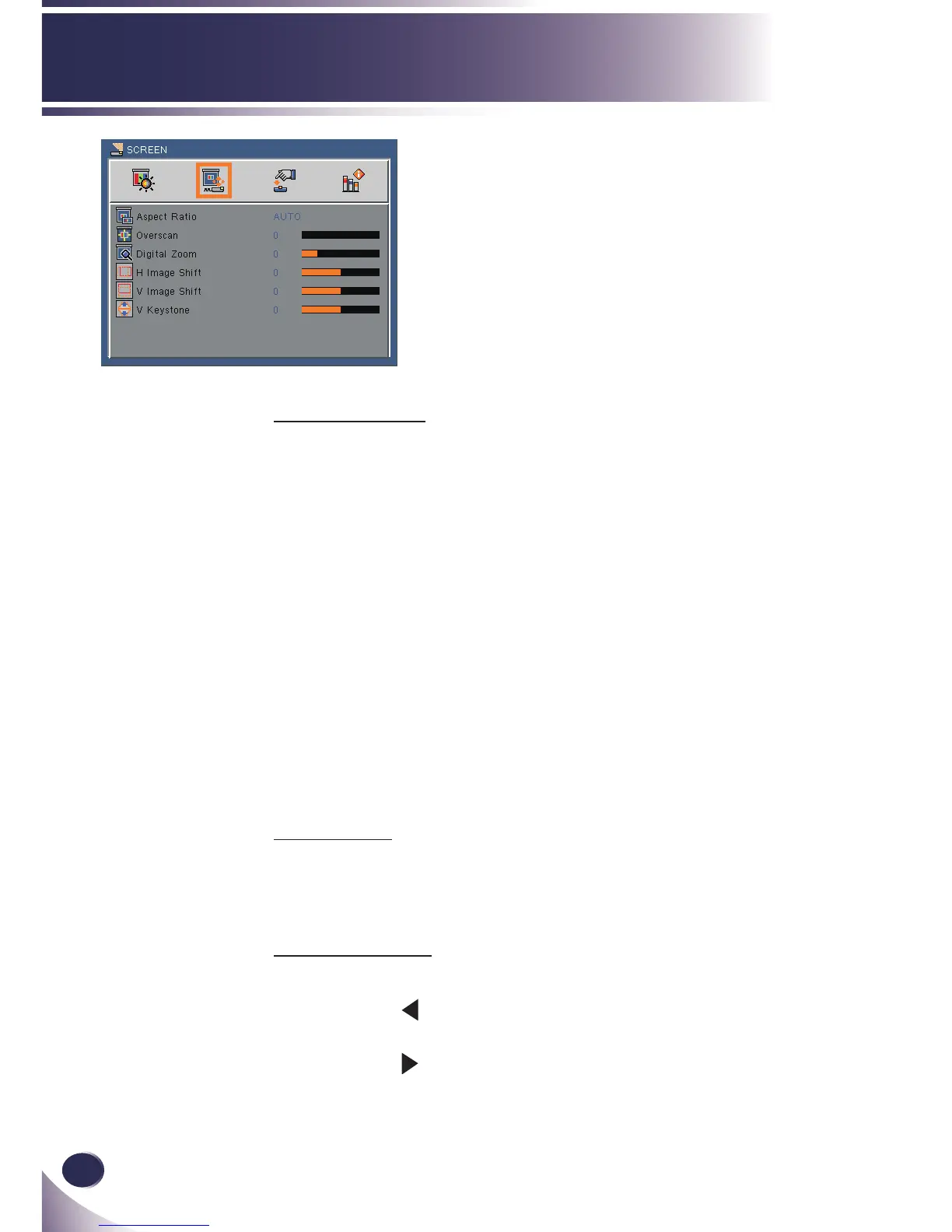
Aspect Ratio
Use this function to choose your desired aspect ratio.
4:3: This format is for 4×3 input sources.
16:9: This format is for 16×9 input sources, like HDTV and DVD
enhanced for Wide screen TV.
16:10: This format is for 16×10 input sources, like widescreen
laptops.
15:9: This format is for non-16×9, letterbox sources and for users
who use external
16×9 lens to display 1.67:1 aspect ratio using
full resolution.
5:4: This format is for 5×4 input sources.
Native: This format displays the original image without any
scaling.
AUTO: Automatically selects the appropriate display format.
Overscan
Overscan function removes the noise in a video image. Overscan the
image to remove video encoding noise on the edge of video source.
(range: 0~3)
Digital Zoom
Adjust the size of projector’s display area. (range: -20~100)
Press the to reduce the size of an image on the projection
screen.
Press the to increase an image on the projection screen.
SCREEN



 To Next Page