English
25
English
User Controls
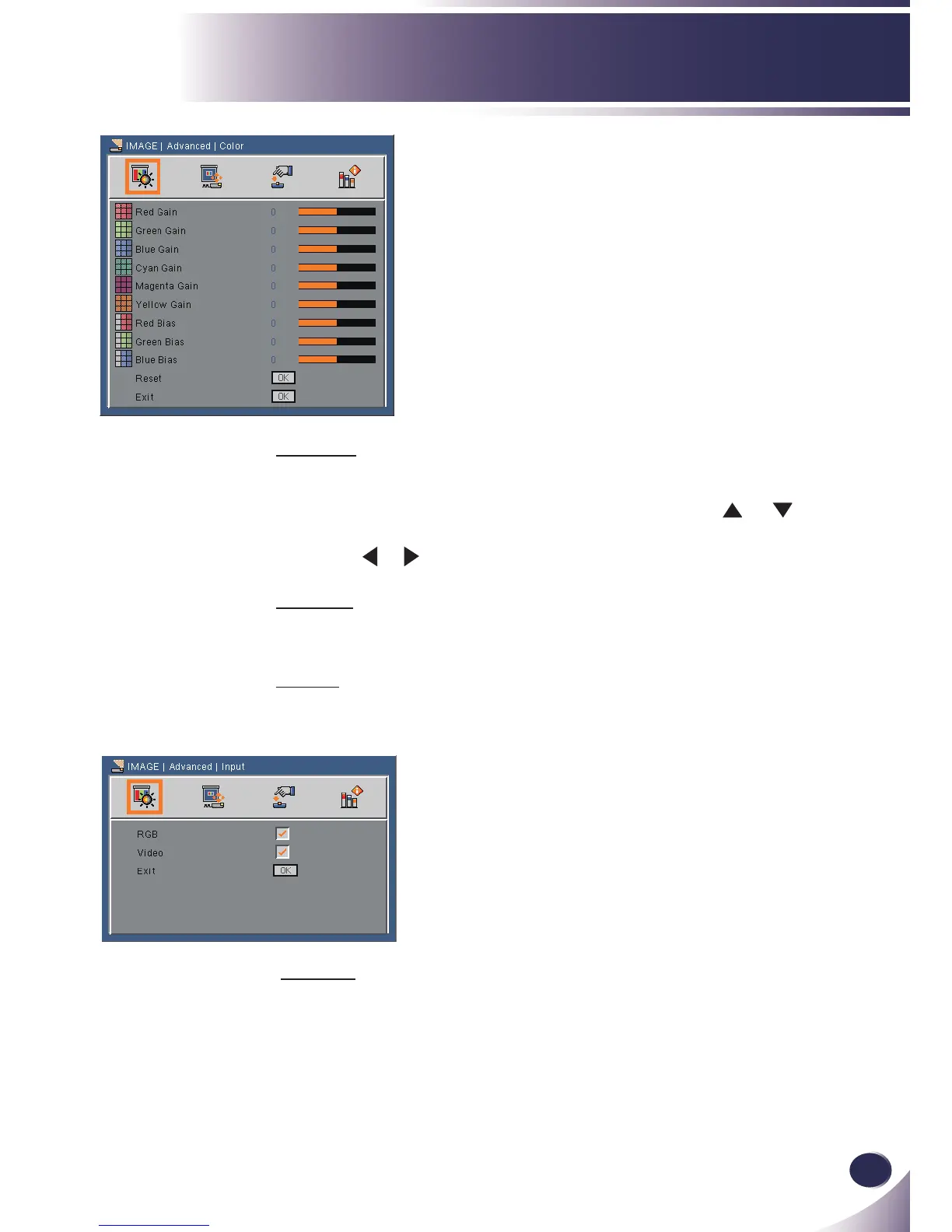
Color
Red Gain/Green Gain/Blue Gain/Cyan Gain/Magenta Gain/Yel-
low Gain/Red Bias/Green Bias/Blue Bias: Use the
or button
to select Red, Green, Blue, Cyan, Magenta and Yellow Colors. Then
use the or button to adjust the setting. (range: -50~50)
Reset
Choose “Yes” to return the factory default settings for “Color”.
Exit
Return to previous menu.
IMAGE | Advanced
| Color
IMAGE | Advanced |
Input
Input
Use this option to enable / disable input sources. Press “OK” to en-
ter the sub menu and select which sources you require. Press “OK”
to nalize the selection. The projector will not search for inputs that
are not selected.



 To Next Page