32
English
User Controls
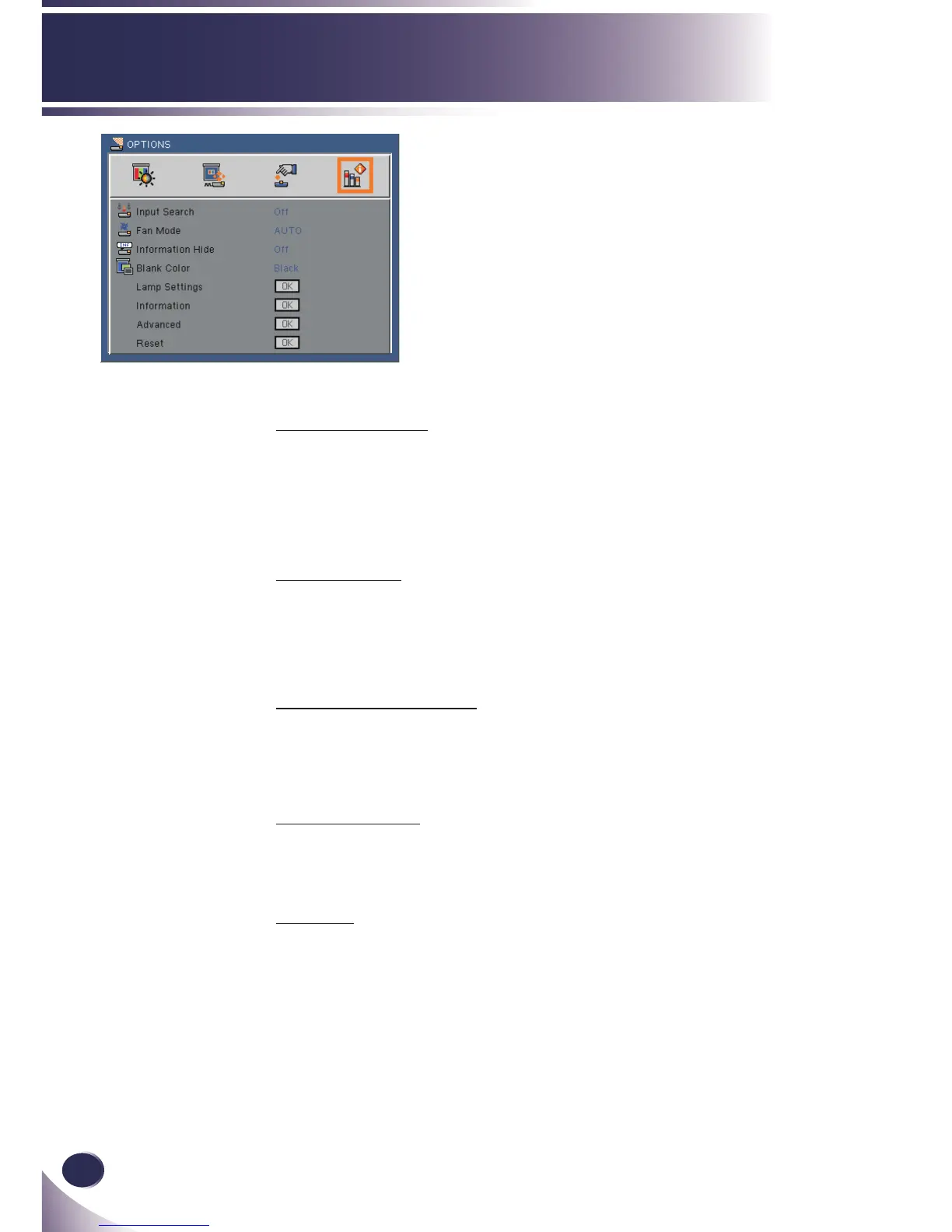
OPTIONS
Input Search
When “On” is selected, the projector will search for other signals
if the current input signal is lost.
When “Off” is selected, the projector will only search a specied
connection port.
Fan Mode
AUTO: The built-in fans automatically run at a variable speed
according to the internal temperature.
High Speed: The built-in fans run at high speed.
Information Hide
On: Choose “On” to hide the “searching” message.
Off: Choose “Off” to show the “searching” message.
Blank Color
Use this feature to display a “Black”, “Red”, “Green”, “Blue” or
“White” screen when no signal is available.
Reset
Resets all adjustments and settings to their factory settings.



 To Next Page