28
English
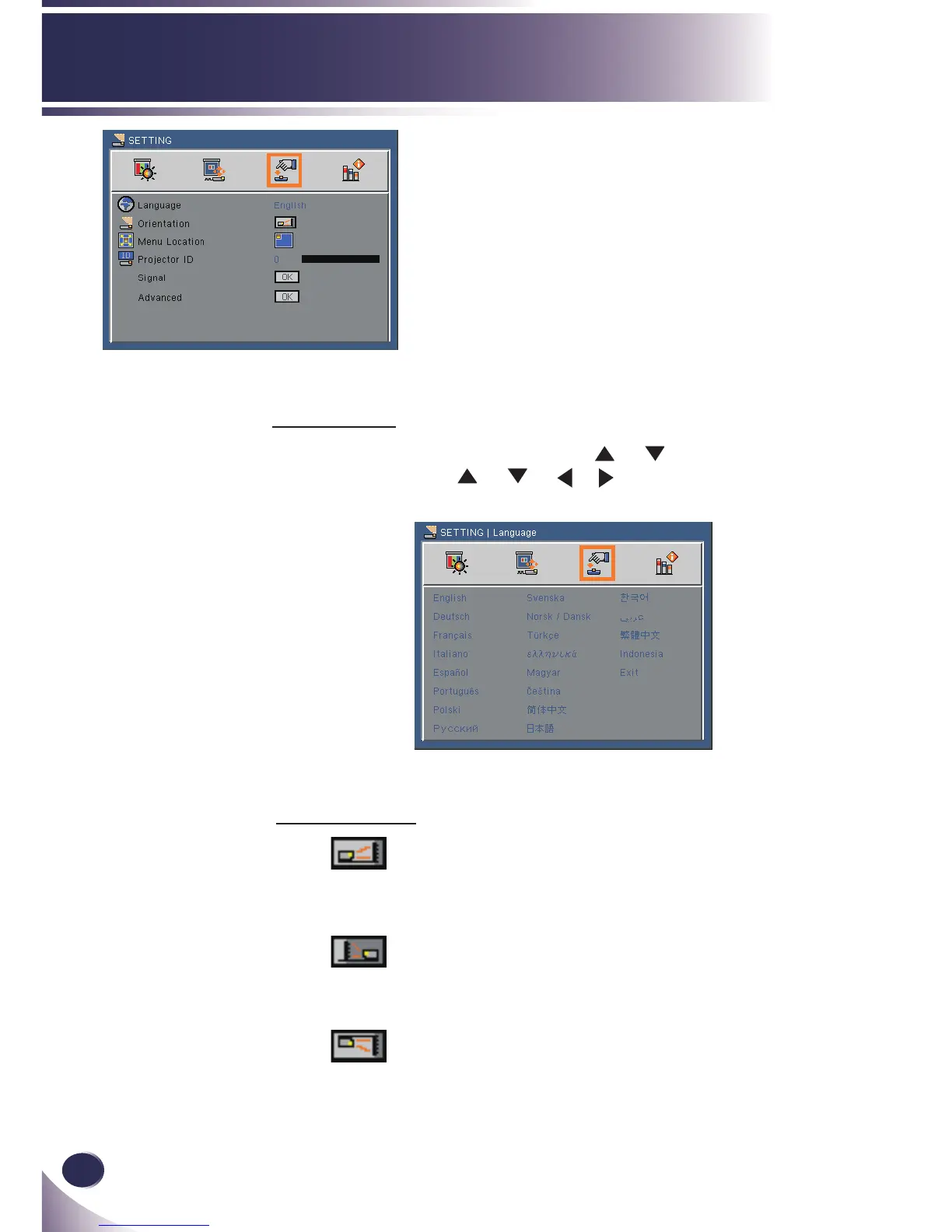
User Controls
SETTING
Orientation
Front-Desktop
The factory default setting. The image is projected straight on the
screen.
Rear-Desktop
When you select this function, the projector reverses the image
so you can project behind a translucent screen.
Front-Ceiling
When you select this function, the projector turns the image
upside down for ceiling-mounted projection.
Language
Choose the multilingual OSD. Press or button into the sub
menu and then use
or or or button to select your pre-
ferred language. Press “OK” to nalize the selection.



 To Next Page