24
English
User Controls
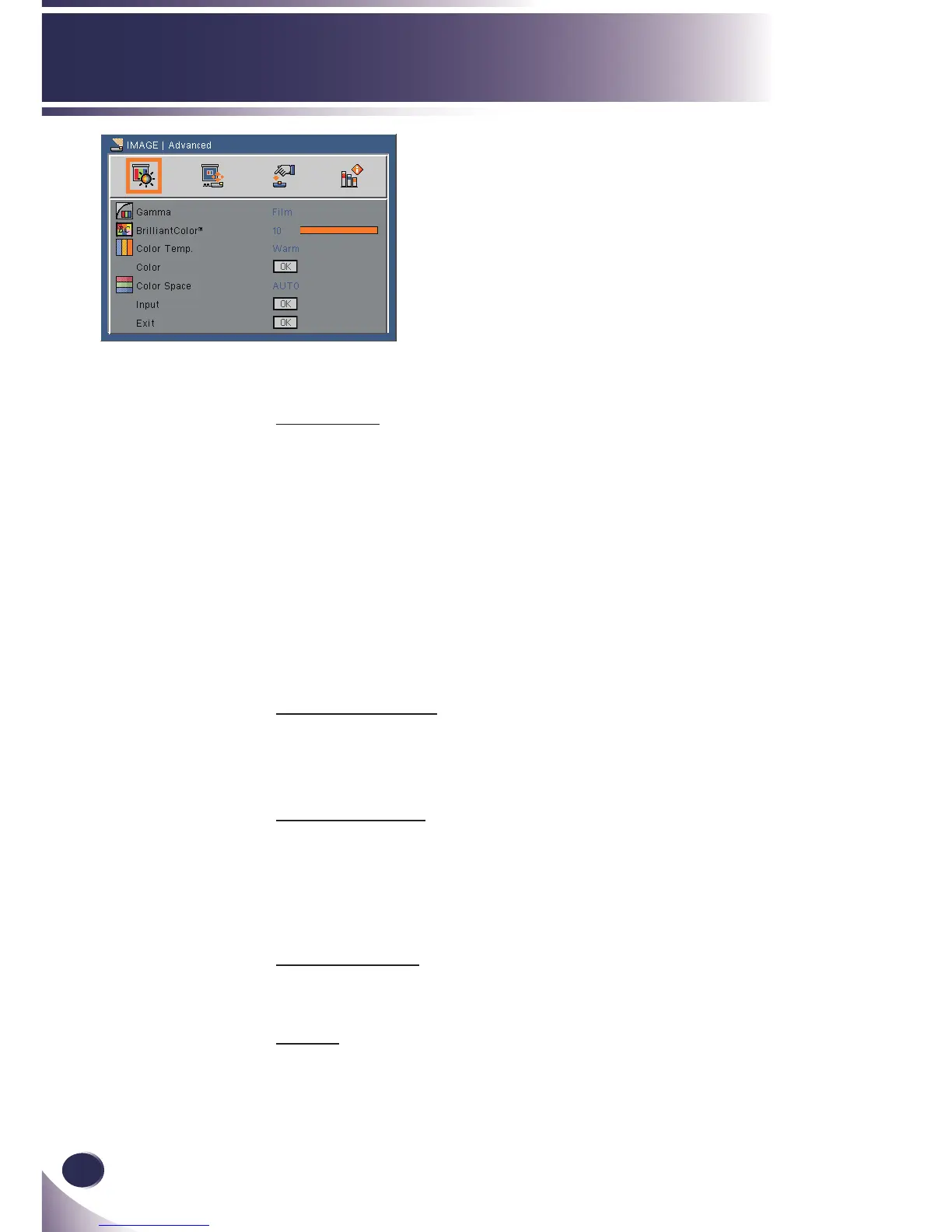
IMAGE | Advanced
Gamma
This allows you to choose a gamma table that has been ne-tuned to
bring out the best image quality for the input.
Film: This mode is recommended for movie
Video: This mode is recommended for video or TV.
Graphics: This mode is recommended for image.
PC: This mode is recommended for presentation.
Blackboard: This mode is recommended for using blackboard
(green).
BrilliantColor
TM
Produces an expanded on-screen color spectrum that delivers en-
hanced color saturation for bright, true-to-life images. (range: 0~10)
Color Temp.
Adjust the color temperature. At cool temperature, the screen looks
colder, at warm temperature, the screen looks warmer.
At medium temperature screen looks between Cool and Warm
temperature.
Color Space
Select an appropriate color matrix type from AUTO, RGB or YUV.
Exit
Return to previous menu.



 To Next Page