3-11
DIGITAL DISPLAY & MEDIA TRAINING MASTER
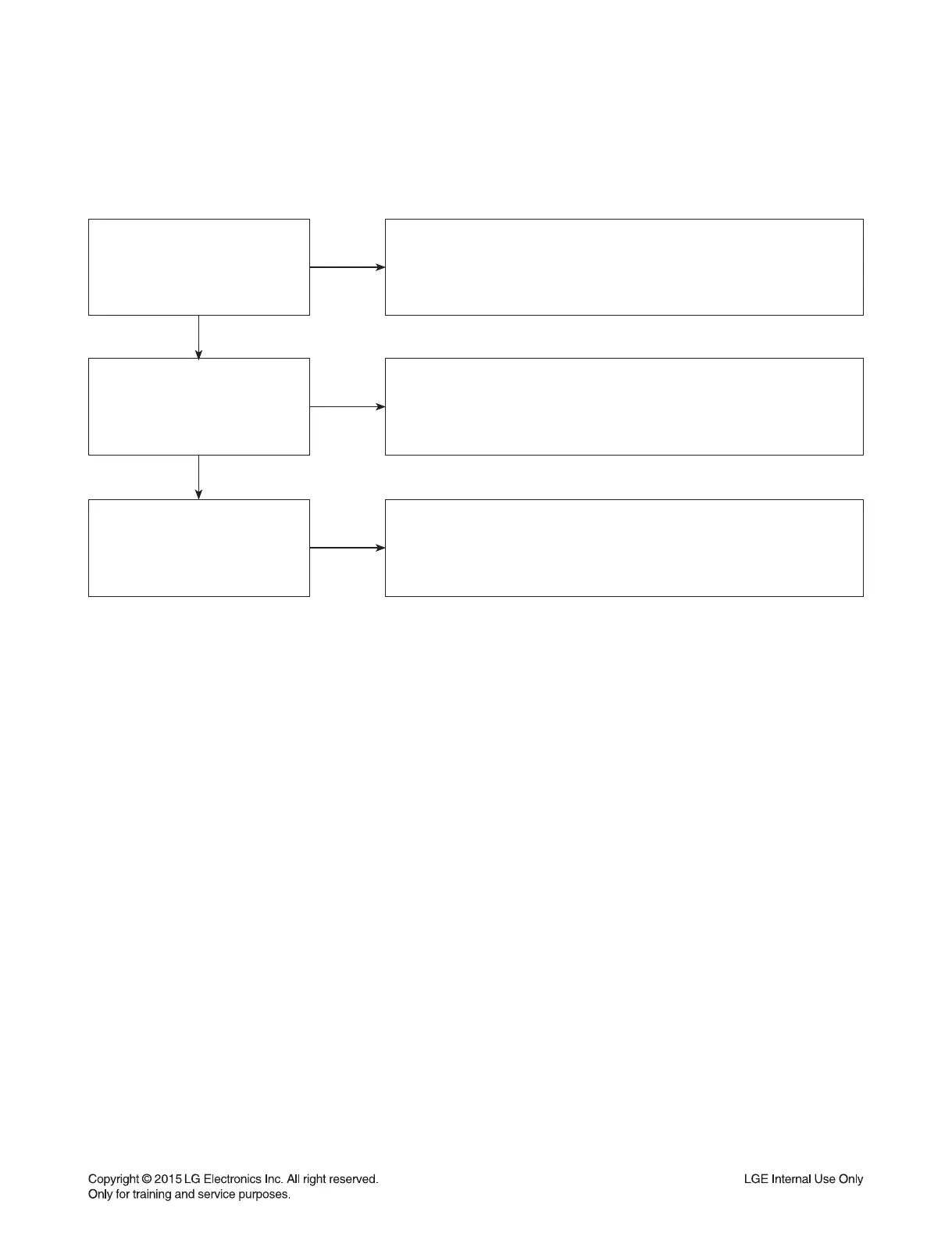
Is the display
HDCP compliant?
NO
YES
Make sure the display is HDCP compliant when using a DVI or
HDMI connection. A lack of HDCP compliancy on the display may
cause an invalid format or format not supported message to appear.
It can also cause a copy protection OSD to appear.
Has the customer tried the
device on another display?
NO
YES
Ask the customer to connect the device to another display.
If the device starts working, then the problem may be the original display.
The customer will need to troubleshoot the display. If the device
still does not work, then the problem may be the device or the cable.
Has the customer tried
another cable?
NO
Ask the customer to replace the cable between the device and display.
If the problem is corrected, then the problem was with the cable.
If the problem continues, then the device is the problem.
Set up service according to in warranty or out of warranty procedures.
2-5. Invalid Format or Format Not Supported


 To Next Page