3-38
ONE POINT REPAIR GUIDE
4. BAD HDMI VIDEO / AUDIO OUTPUT
When unit is connected to HDMI TV using HDMI cable, picture shows bad color, no output
or mixed color on the screen. But component output is OK.
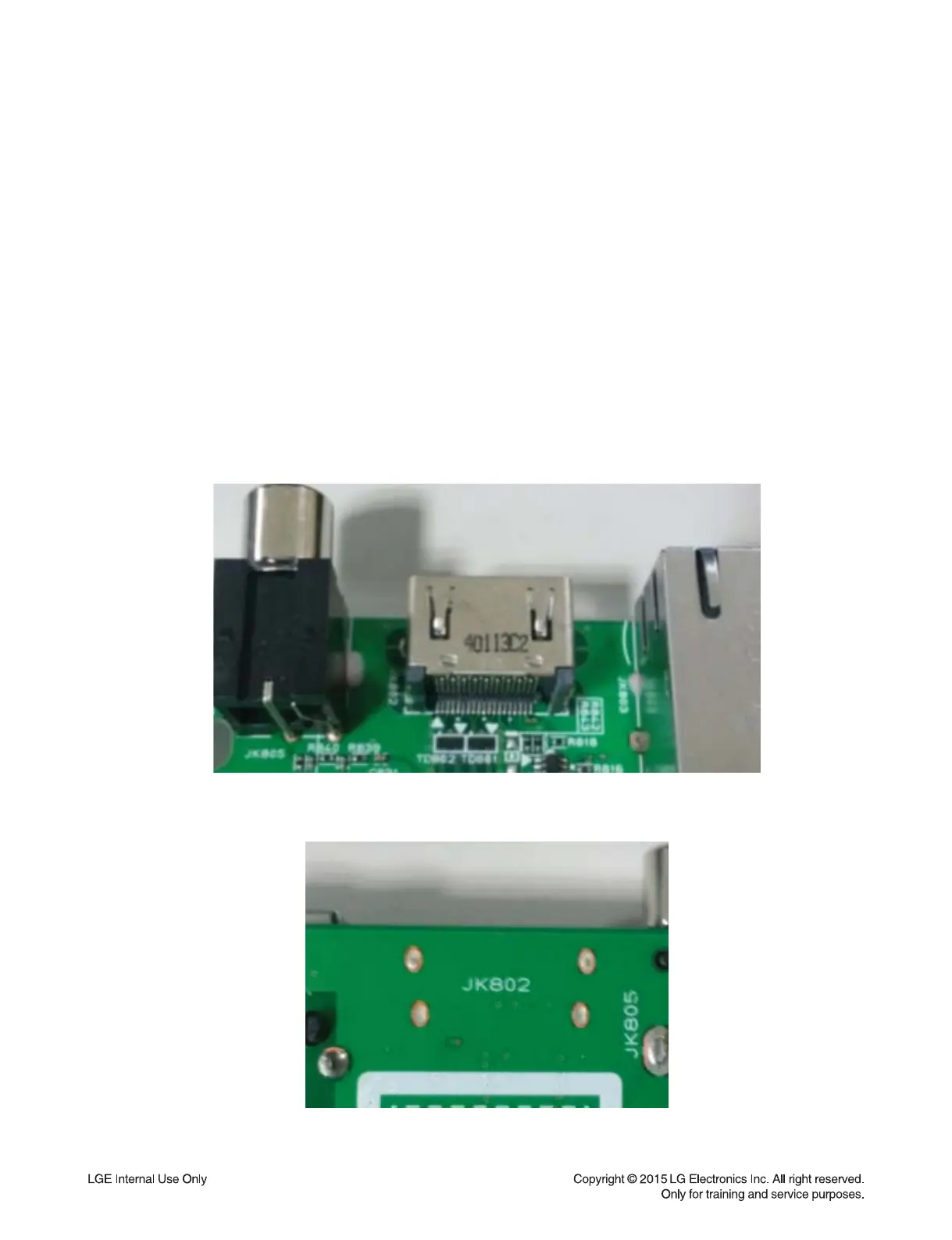
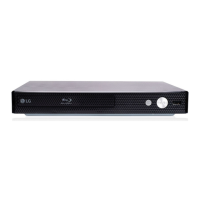
4-1. JK802 (HDMI Jack)
4-1-1. Solution
Replace JK802 (HDMI Jack).
4-1-2. How to troubleshoot (Countermeasure)
1) Check JK802 pin soldering.
2) If there is short soldering on pin JK802, re-soldering pin JK802.
3) If problem still occurs, check HDMI data:
- If all data OK, replace JK802.
- If data NG, check set on BD Mode:
Replace IC501.
4-1-3. Service hint (Any picture / Remark)
JK802
< Main board top view >
JK802
< Main board bottom view >
JK 802


 To Next Page