25
Advanced Operations
The DVD player can play MP3/WMA formatted recordings on
CD-ROM, CD-R, or CD-RW discs.
Audio CD
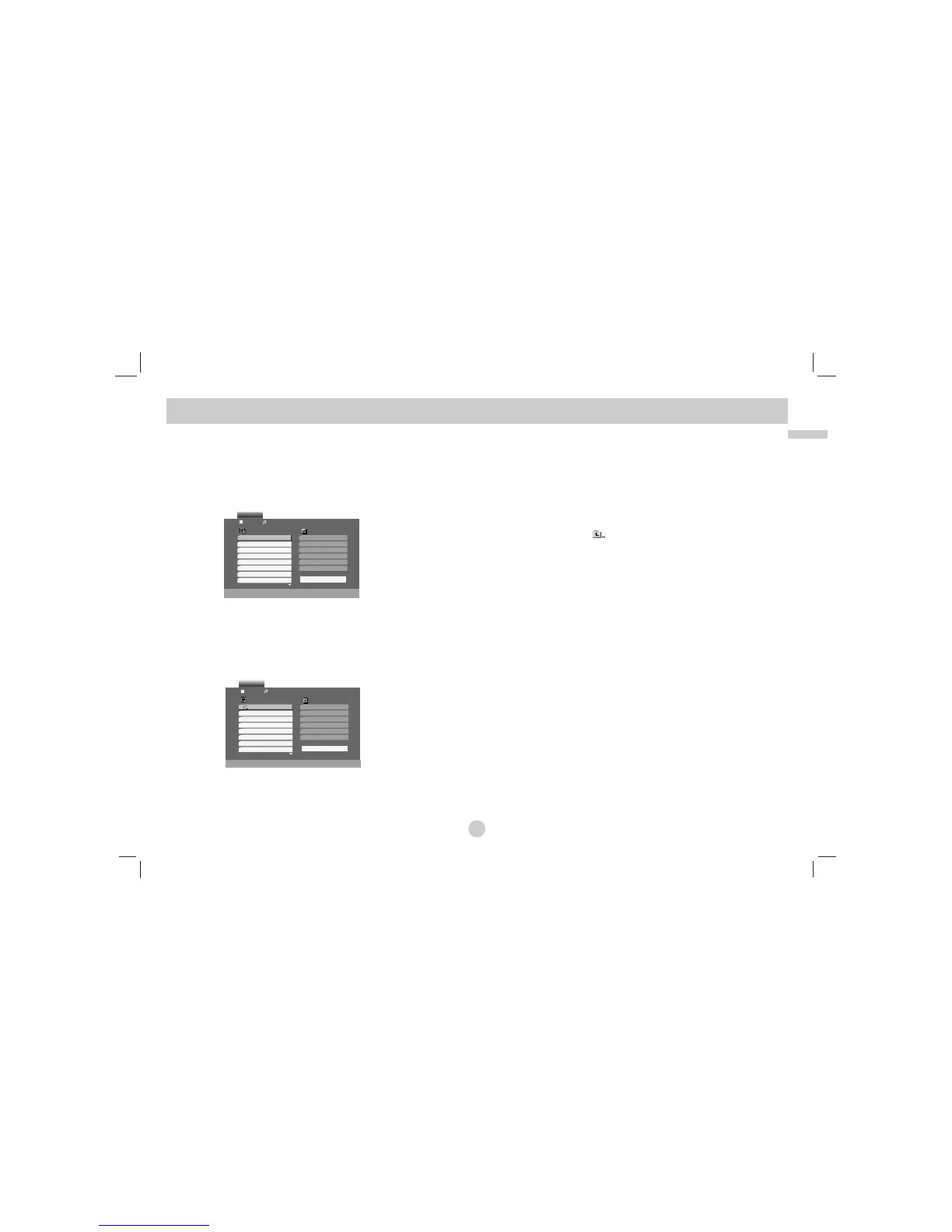
Once you insert an audio CD a menu appears on the screen. Press v / V
to select a track then press PLAY or ENTER and playback starts.
MP3 / WMA
1. Press v / V to select a folder, and press ENTER to see the folder
contents.
2. Press v / V to select a track then press PLAY or ENTER. Playback
starts.
ID3 TAG
• When playing a file containing information such as track titles, you
can see the information by pressing DISPLAY.
[ Title, Artist, Album, Year, Comment ]
• If there is no information, “NO ID3 TAG” appears on the display.
TIPS
• If you are in a file list on the MUSIC menu and want to return to the Folder list,
use the v / V to highlight and press ENTER.
• Press MENU to move to the next page.
• On a CD with MP3/WMA and JPEG you can switch MP3/WMA and JPEG.
Press TITLE and MUSIC or PHOTO word on top of the menu is highlighted.
Playing an Audio CD or MP3/WMA Disc



 To Next Page