35
Initial Settings
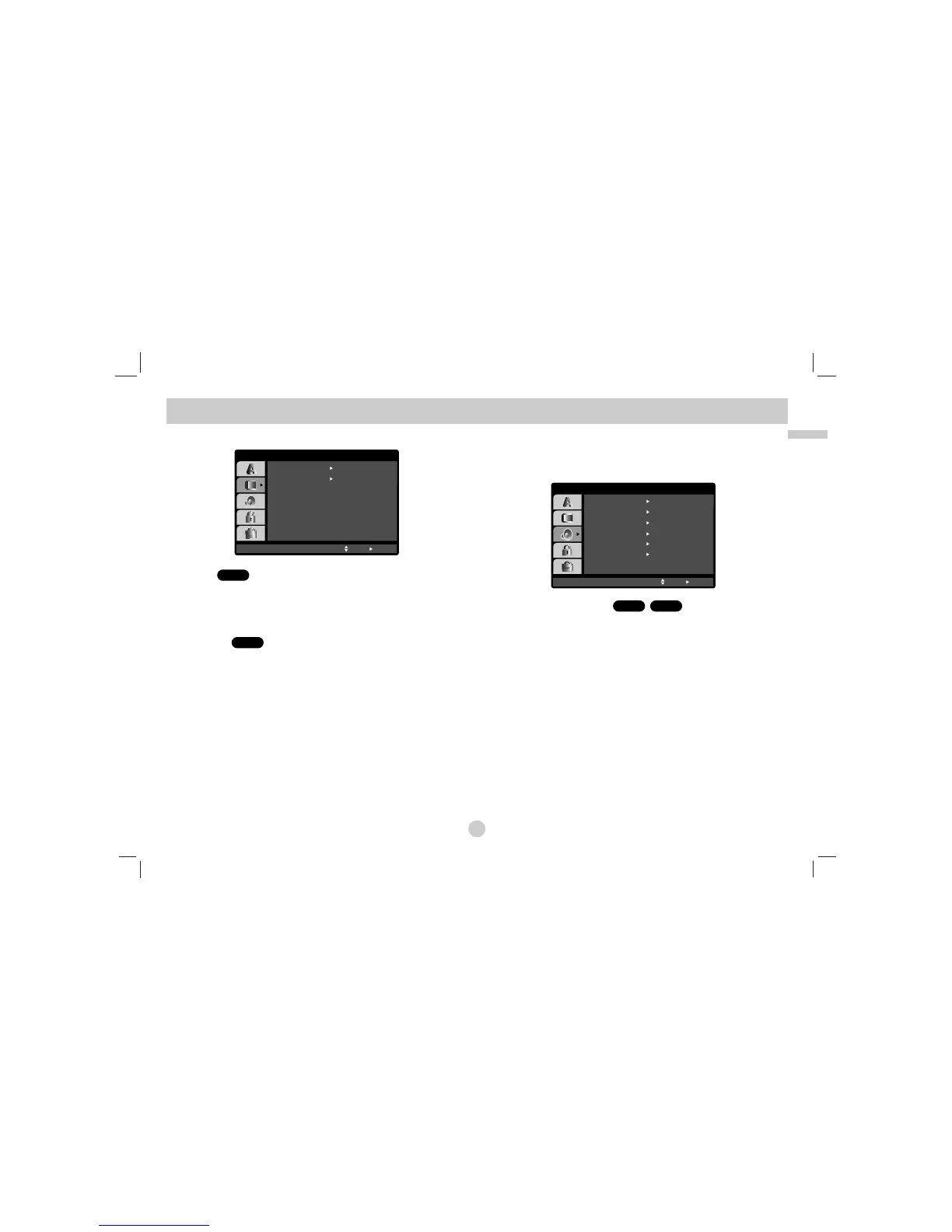
DISPLAY
TV Aspect
4:3:
Select when a standard 4:3 TV is connected.
16:9 Wide: Select when a 16:9 wide TV is connected.
Display Mode
Display Mode setting works only when the TV Aspect mode is set to
“4:3”.
LetterBox: Displays a wide picture with bands on the upper and lower
portions of the screen.
Panscan:
Automatically displays the wide picture on the entire screen and
cuts off the portions that do not fit.
AUDIO
Each DVD disc has a variety of audio output options. Set the player’s
AUDIO options according to the type of audio system you use.
Dolby Digital / DTS / MPEG
Bitstream: Select “Bitstream” if you connect the DVD Player’s
DIGITAL OUT jack to an amplifier or other equipment with a Dolby
Digital, DTS or MPEG decoder.
PCM (for Dolby Digital / MPEG): Select when connected to a
two-channel digital stereo amplifier. DVDs encoded in Dolby Digital
or MPEG will be automatically downmixed to two-channel PCM
audio.
Off (for DTS): If you select “Off”, the DTS signal is not output
through the DIGITAL OUT jack.
DivXDVD
DVD
DVD
Initial Settings
(continued)



 To Next Page