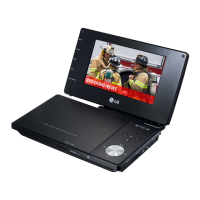
Using this DVD Player you can view discs with JPEG files.
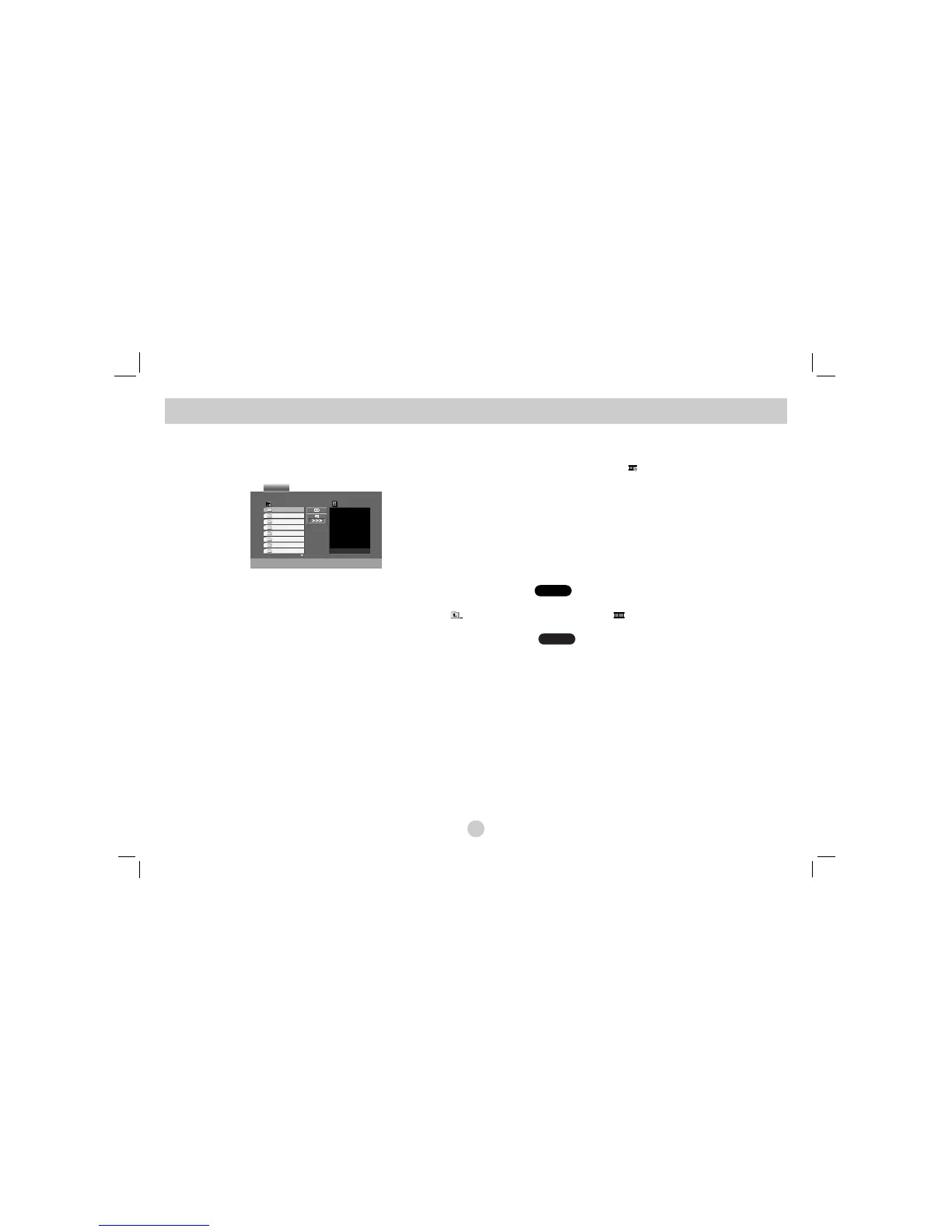
1. Insert a disc and close the tray. The PHOTO menu appears on the
screen.
2. Press v / V to select a folder, and press ENTER. A list of files in the
folder appears. If you are in a file list and want to return to the previ-
ous Folder list, use the v / V buttons on the remote to highlight
and press ENTER.
3. If you want to view a particular file, press v / V to highlight a file
and press ENTER or PLAY. Viewing the file proceeding starts.
While viewing a file, you can press STOP to move to the previous
menu (PHOTO menu).
TIPS
• Press MENU to move to the next page.
• There are three Slide Speed options : >>> (Fast), >> (Normal)
and > (Slow).
Use vVbBto highlight the Speed. Then, use b / B to select the option you
want to use then press ENTER.
• On a disc with MP3/WMA and JPEG you can switch MP3/WMA and JPEG.
Press TITLE and MUSIC or PHOTO word on top of the menu is highlighted.
• Press RETURN, information of file is hidden.
Slide Show
Use vVbBto highlight the (Slide Show) then press ENTER.
Still Picture
1. Press PAUSE during slide show.
The player will now go into PAUSE mode.
2. To return to the slide show, press PLAY or press PAUSE again.
JPEG
JPEG
Viewing a JPEG Disc
30



 To Next Page