59
ENGLISH
Notications
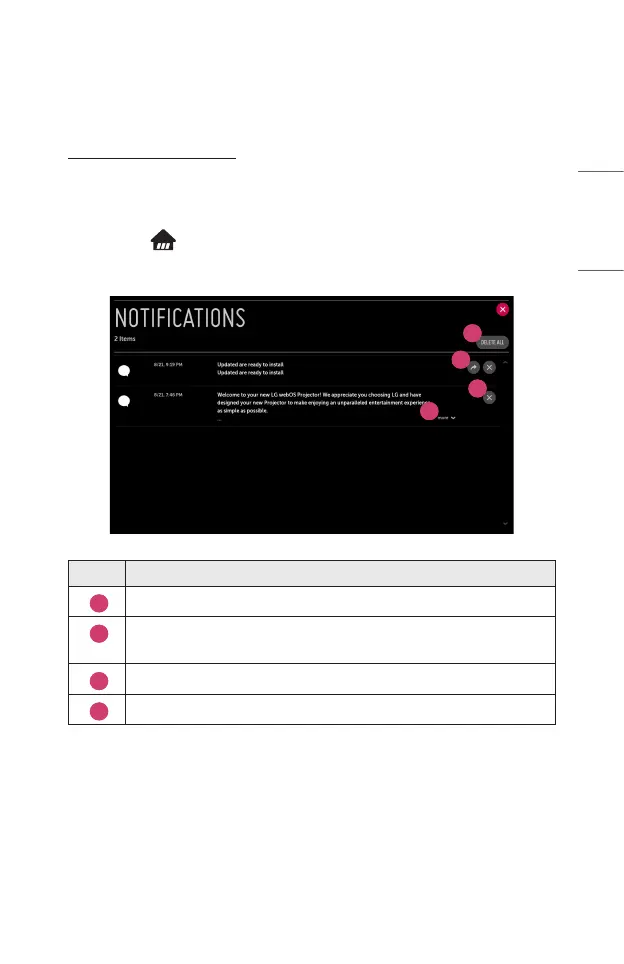
Using [Notifications]
The [Notications] transfers real-time notications from various apps and LG
services. It shows the status of apps that are currently running and allows you to
view, delete, and run all notications in one place.
1 Press the button on the remote control.
2 Launch the [Notications] application.
1
2
3
4
Description
1
You can delete notications.
2
For notications with long content, press [more] to open them in full
view.
3
You can delete all notications.
4
You can launch the APP or move to URL.



 To Next Page