33
ENGLISH
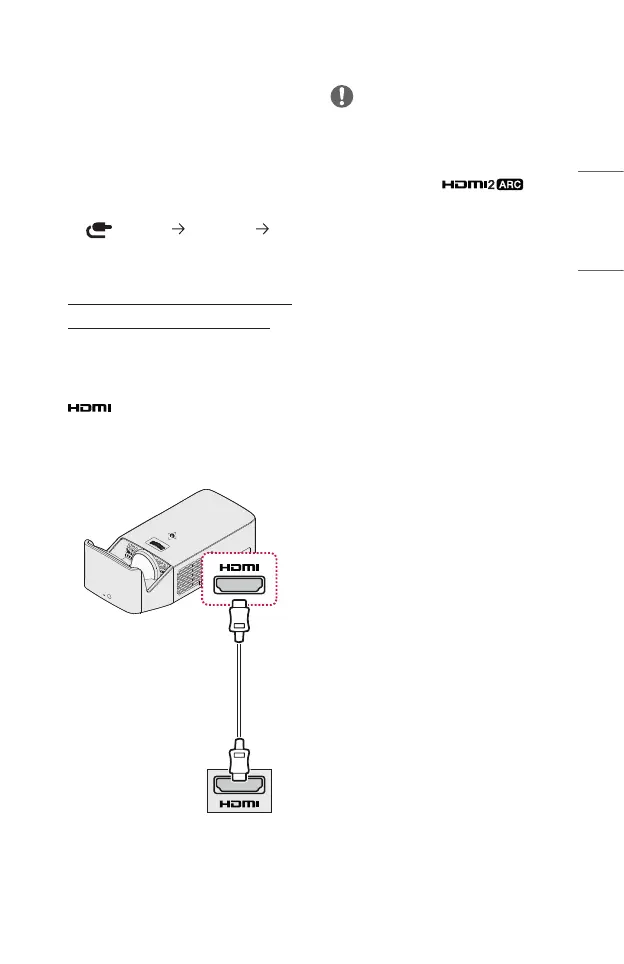
HDMI Connection
Connect an HD receiver, DVD, or
external devices to the projector and
select an appropriate input mode.
You can connect with any HDMI input
port.
• (INPUT) [All Inputs]
[HDMI1]/[HDMI2]
Connecting to HD Receiver,
DVD, or External Devices
With an HDMI cable, you can enjoy high
quality picture and sound.
Using a HDMI cable, connect the
port of the projector to the
HDMI output port of the device to
connect. Both video and audio are
output at the same time.
Optional Extras
NOTE
ARC (Audio Return Channel)
• External audio devices that support
SIMPLINK and ARC must be
connected using port.
• When connected with a high-speed
HDMI
®
cable, external audio devices
that support ARC output or SPDIF
work with the SIMPLINK function
without the need for an additional
optical audio cable.



 To Next Page