34
ENGLISH
Connecting a PC
The projector supports Plug and Play.
Your PC will automatically detect
the projector and requires no driver
installation.
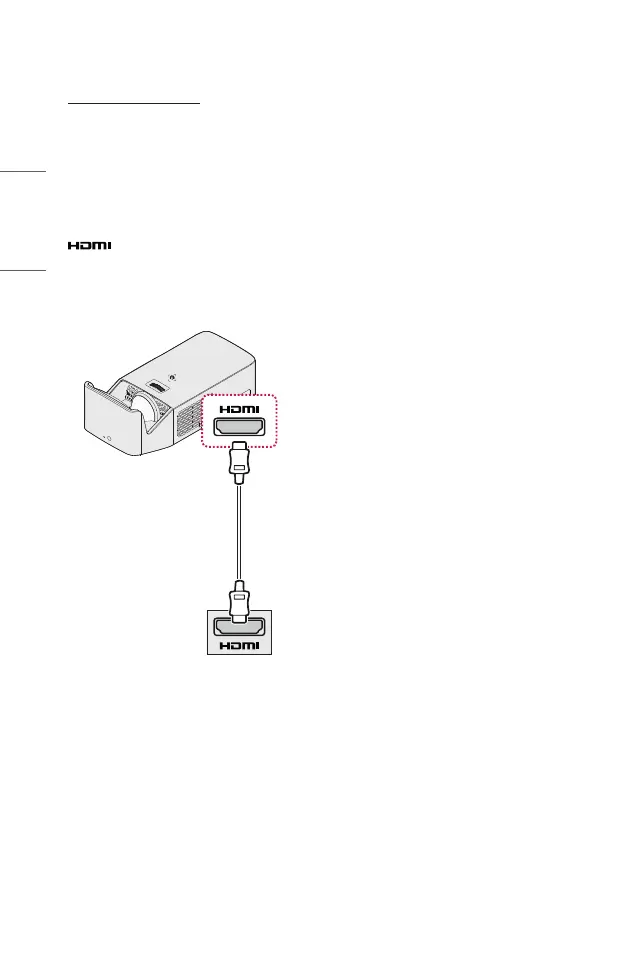
Using an HDMI cable, connect the
port of the projector to the
HDMI output port of your PC. Both
video and audio are output at the same
time.
Optional Extras



 To Next Page