6
ENGLISH
Managing Apps
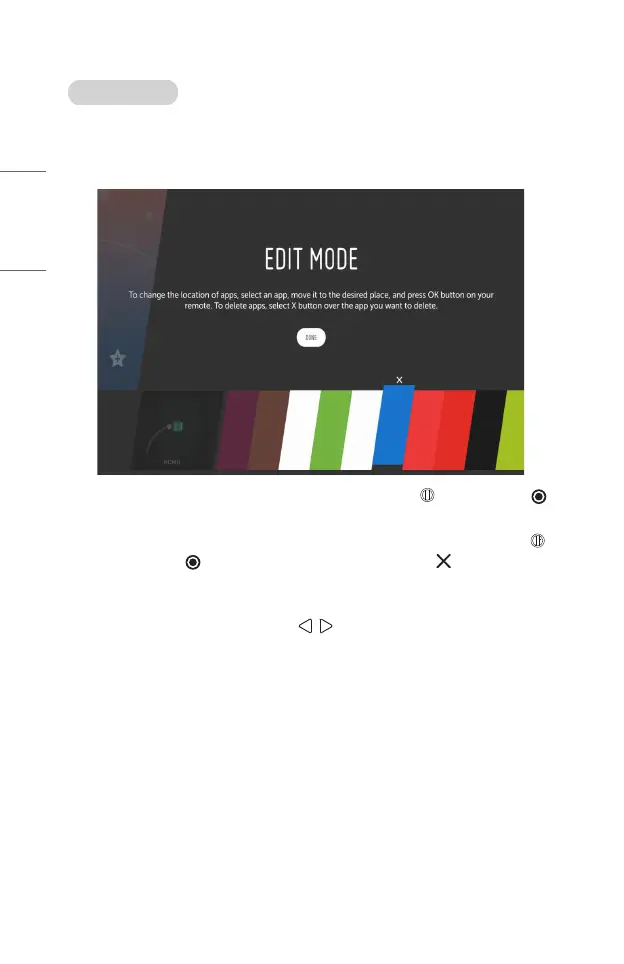
You can view a list of all apps installed on your projector, change their positions, or
delete them.
• Some apps cannot be edited.
1 Select the app you want to edit, and press and hold the Wheel (OK) or
OK button on the Remote Control. This will activate the app edit mode.
2 To move the app to your desired position, go to the position and press the
Wheel (OK) or OK button. To delete an app, select the above the app.
• You can move and delete as many apps as you wish before exiting the edit
mode.
• You can also move apps with the buttons on your remote control.
3 When you have completed the edit, click [DONE] to exit the app edit mode.



 To Next Page