11
ENGLISH
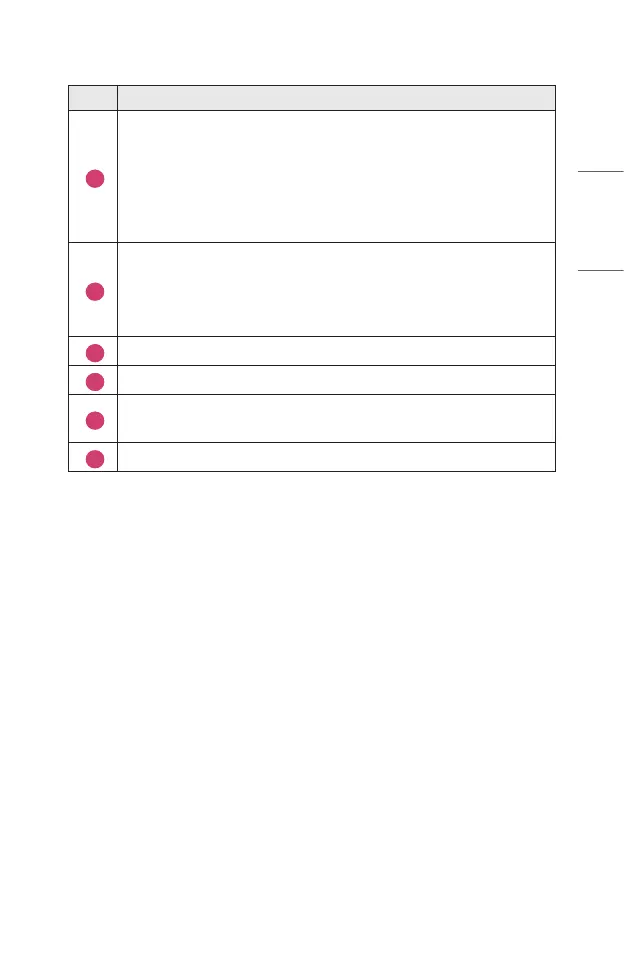
Description
1
Congure [Set Up Universal Control] for external devices connected to
your projector.
When you select a device, the Screen Remote turns into the remote
control for the device.
If a sound bar is connected, the Screen Remote can be used as a
remote control for the sound bar.
2
You can capture your projector screen.
• This feature is available on certain models only.
• You can view/delete screen-captured images in the [Photo & Video]
app.
3
The buttons suitable for the selected device appear.
4
You will see more remote control buttons.
5
You can start the [Device Connector] app. You can set the universal
remote control.
6
You can change the position of the screen remote control.
• This feature can only be used with the Magic Remote.
• You can purchase the Magic Remote separately if it is not provided.
• The types of buttons appearing on the Screen Remote vary, depending on the
region and the type of connected device.
• Some features and services may not be provided depending on models or
regions.



 To Next Page