Listening to the radio - more you can do
Look for radio stations automatically
Press and hold TUN.-/TUN.+ for more than a second. The tuner will scan auto-
matically and stop when it finds a radio station.
Choose a preset number for a radio station
When storing a radio station, the preset number can be chosen. When the
player automatically shows a preset number, press PRESET
-/+ to change it.
Press PROG./MEMO. to save your chosen number.
Delete all the saved stations
Press and hold PROG./MEMO. for two seconds. ERASE ALL will flash up on
the DVD receiver display. Press PROG./MEMO. again to erase all saved radio
stations.
Improve poor FM reception
Press PLAY (B) (MONO/ST). It will change the tuner from stereo to mono and
usually improve the reception.
Compatible USB Devices
• Devices which require additional program installation when you have con-
nected it to a computer, are not supported.
• MP3 Player : Flash type MP3 player.
T
he MP3 player requiring installation of a driver is not supported.
• USB Flash Drive : Devices that support USB2.0 or USB1.1. (In case USB 2.0
is inserted in the the player, if operates at the same speed
as that of USB 1.1)
USB device requirement
•You cannot use the microphone while “SEARCH” is displayed on the display
window after the USB is inserted.
(For a large capacity USB, it may take longer than 20 seconds to be searched)
• Do not extract the USB device in operation.
•To prevent data loss, back up all data.
• If you use a USB extension cable or USB hub, the USB device might not be
recognized.
•Adevice using NTFS file system is not supported.
(Only FAT (16/32) file system is supported.)
• The USB function of this unit does not support any USB devices.
• Digital camera and mobile phone are not supported.
• This unit is not supported when the total number of files is 1000 or more.
• For multi card readers, if connected, you can select a desired slot. If any of
available slots is not displayed even after the reader is connected, press
RETURN to display the slot selection display.
• Divx files are not supported in multi card readers.
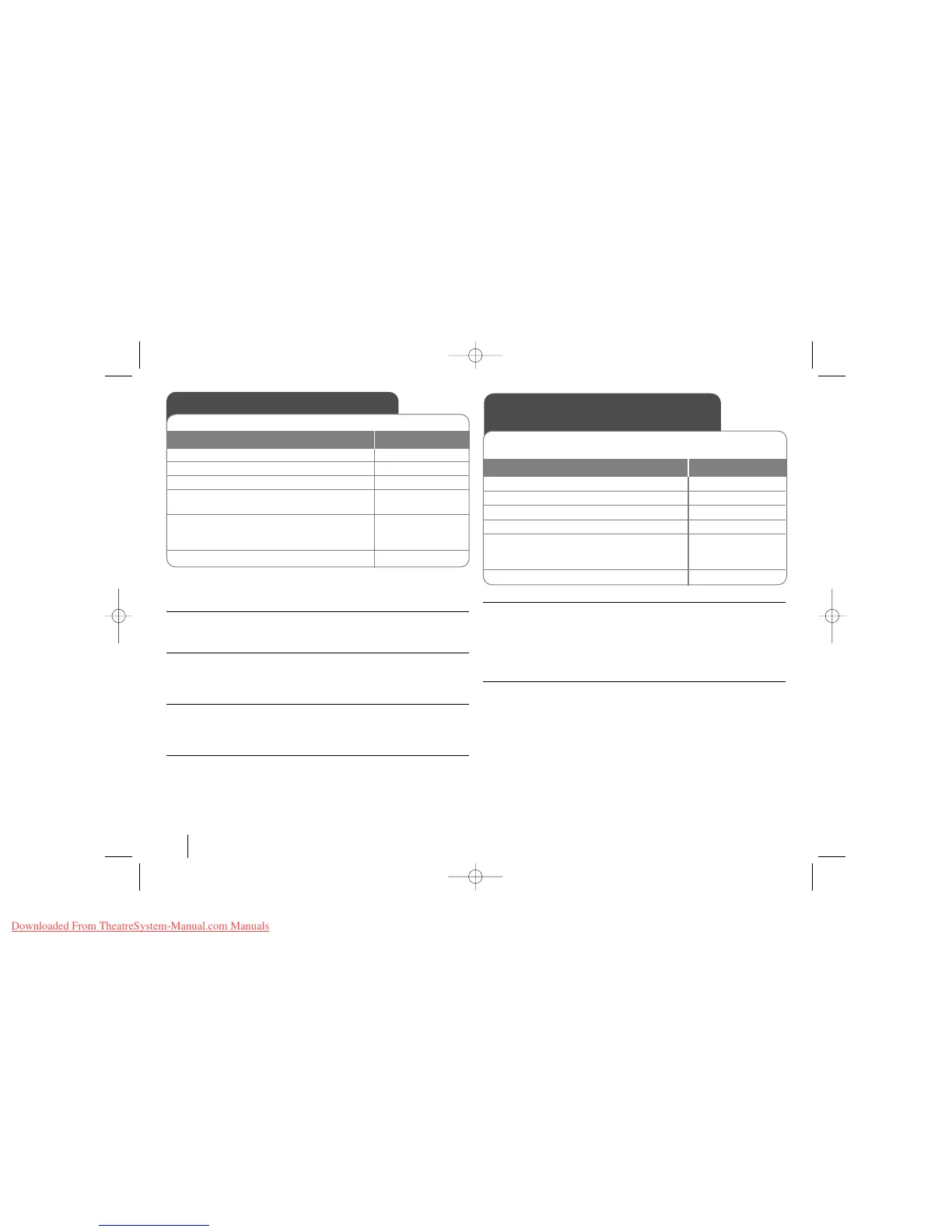
Listening to the radio
1Turn the power on: POWER
2 Select either FM or AM: FUNCTION
3 Select a radio station: TUN -/+
4To save a radio station:
A preset number will show in the display. PROG/MEMO.
5To select a saved station input the preset
number:
Up to 50 radio stations can be saved. PRESET -/+
6To confirm press: PROG/MEMO.
Be sure that both FM and AM aerials are connected.
ON REMOTE
Listening to music from your
USB device
1 Connect the USB device to the unit -
2Select the USB function: INPUT
3 Select a file from the menu:
vv VV
4 Start your music playing: B
5Before disconnecting the portable USB FUNCTION or INPUT
device, change to any other function by
pressing:
6 Remove the USB device:-
The advantage of connecting your portable USB player through the sys-
tem’s USB port is that the USB device can be controlled from the system.
ON REMOTE
12



 To Next Page