Hooking up the speaker
Connect the red end of each wire to the
terminals marked +(plus) and the black
end to the terminals marked - (minus).
Be careful of the following
Be careful to make sure children do not put their hands or any objects into the
*speaker duct.
*Speaker duct: A hall for plentiful bass sound on speaker cabinet(enclosure).
aa
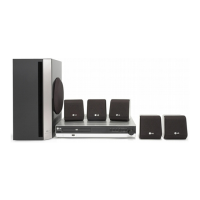
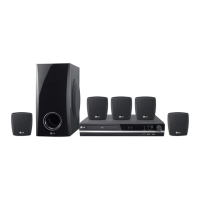
You will have received six speaker cables.
Each one is colour-coded by a band near each end and connects one of
the six speakers to the DVD receiver.
bb
Connect the wires to the DVD receiver.
To connect the cable to the DVD receiver, press each plastic finger pad to
open the connection terminal. Insert the wire and release the finger pad.
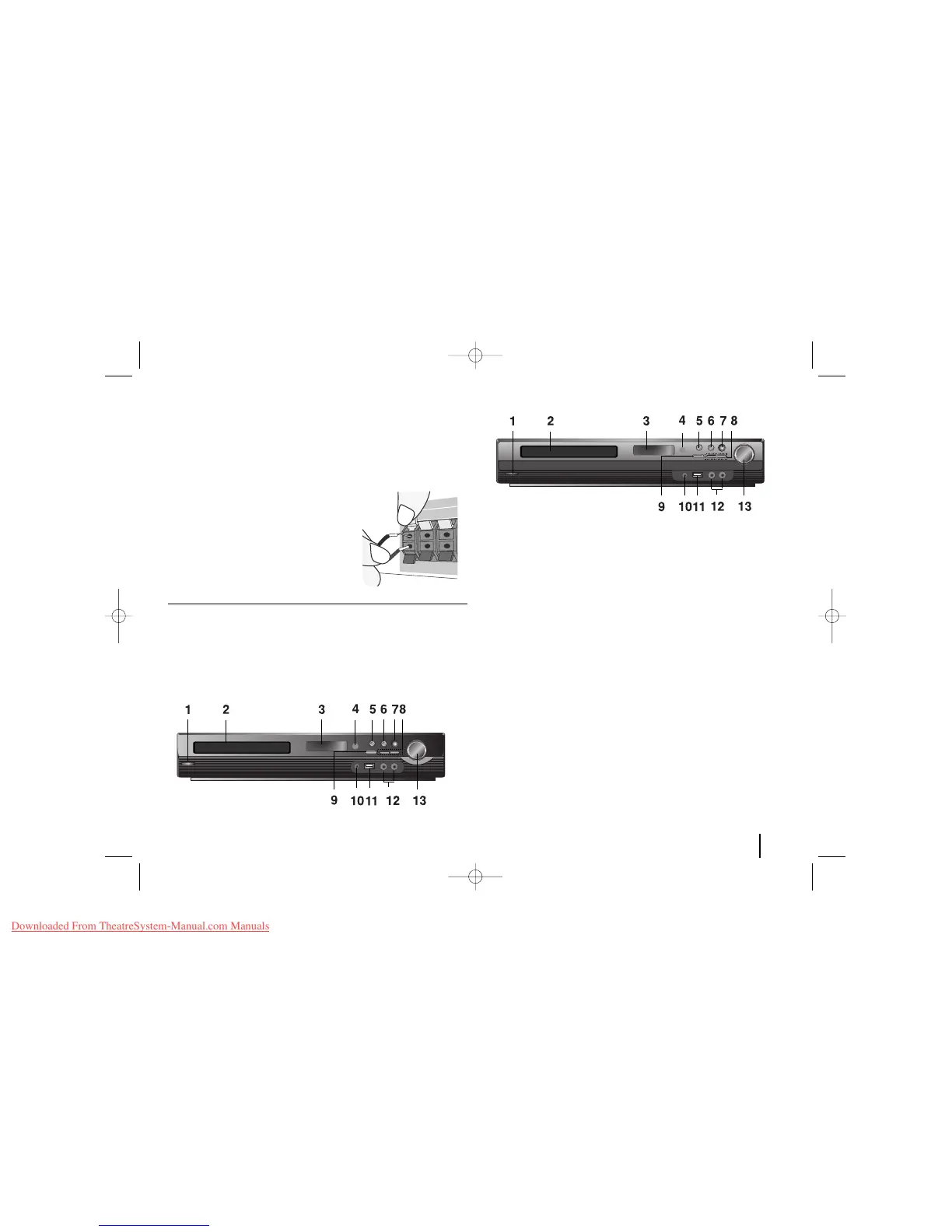
LH-TK3530Q
1 Power Turn the unit on and off.
2 DVD/CD Disc Drawer
3
Display window
4
Remote sensor
5 Open/Close
6 Play/Pause, Function
Press and hold down this button for about 3 seconds then press repeatedly
to select other function.
7 VSM
Selects the Dolby Pro Logic II or Virtual sound
8Tuning (-/+) (Skip / Search)
9 Stop
10 PORT.IN port
The PORT.In port means you can connect an audio device to play through the
surround sound speakers.
11 USB port
The USB port allows you can connect a memory device to your DVD player.
12 MIC 1/MIC 2
Connect a microphone to MIC 1 or MIC 2 to both sockets.
You cannot use the microphone in the following cases;
- when DivX files play back.
13 Volume
Control the volume when using any function.
Main unit
LH-TK3039Q
5



 To Next Page