Using LCD panel
LCD panel has the function of 180° rotation switching as tablet PC,
and can be laid upward on the keyboard.
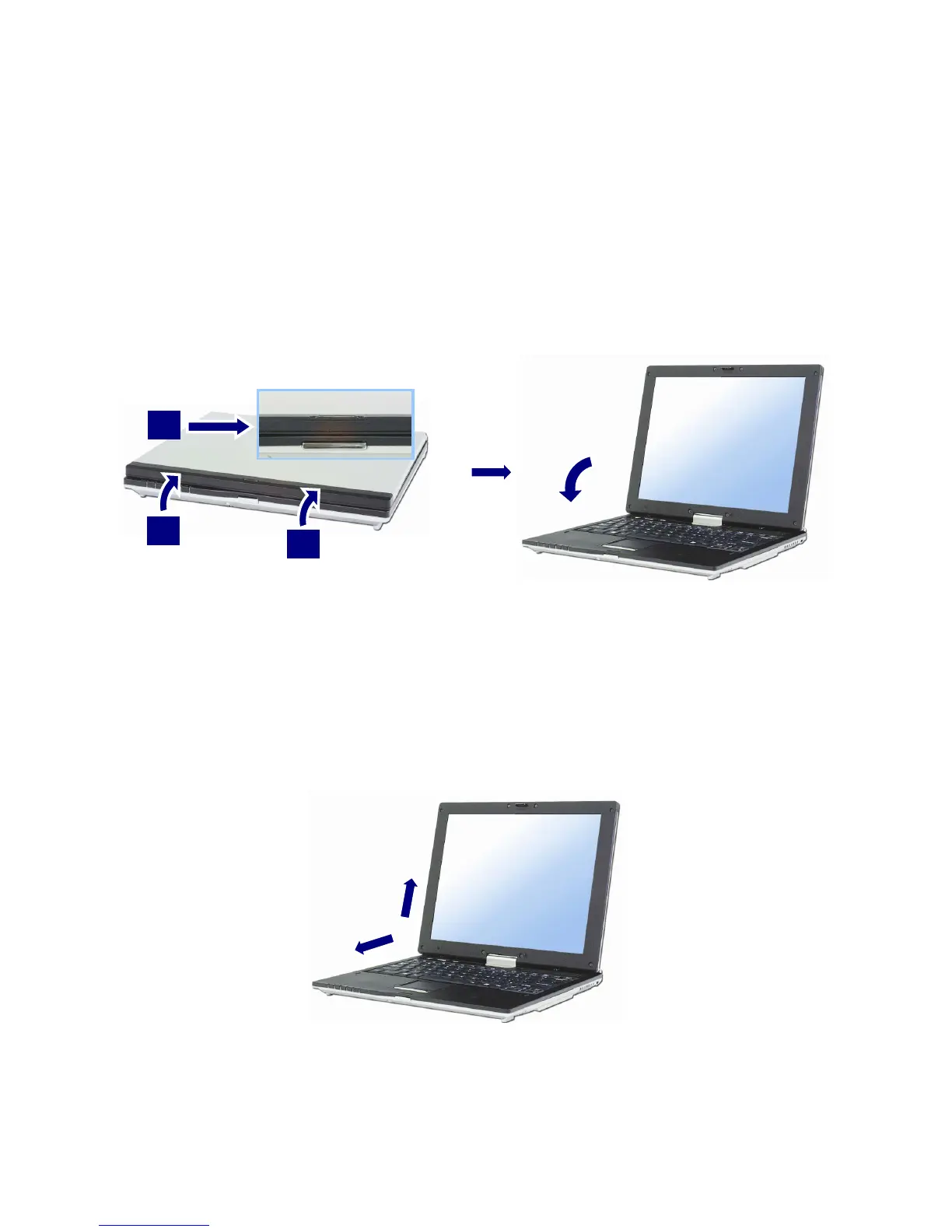
Opening LCD Panel
Push the latch button in the direction of the arrow1, and open the display
panel 2. Adjust the slope of the display panel for comfortable viewing.
1
2
2
Using Tablet mode
When using tablet mode, follow orders as below.
1. Open up LCD panel till the keyboard is 90°.
- 25 -



 To Next Page