Using a different theme
1. Click [Start]->[Control Panel]->[Display].
2. Click [Themes] tab
3. Select another theme from the [Theme] drop down menu.
Note:
In Appearance tab, you can click [Advanced] button and change the color
scheme, font size, and windows and button styles.
In Themes tab, you can change the overall appearance of the desktop.
If there is more than one user using the computer, each user can apply different
theme and desktop appearances.
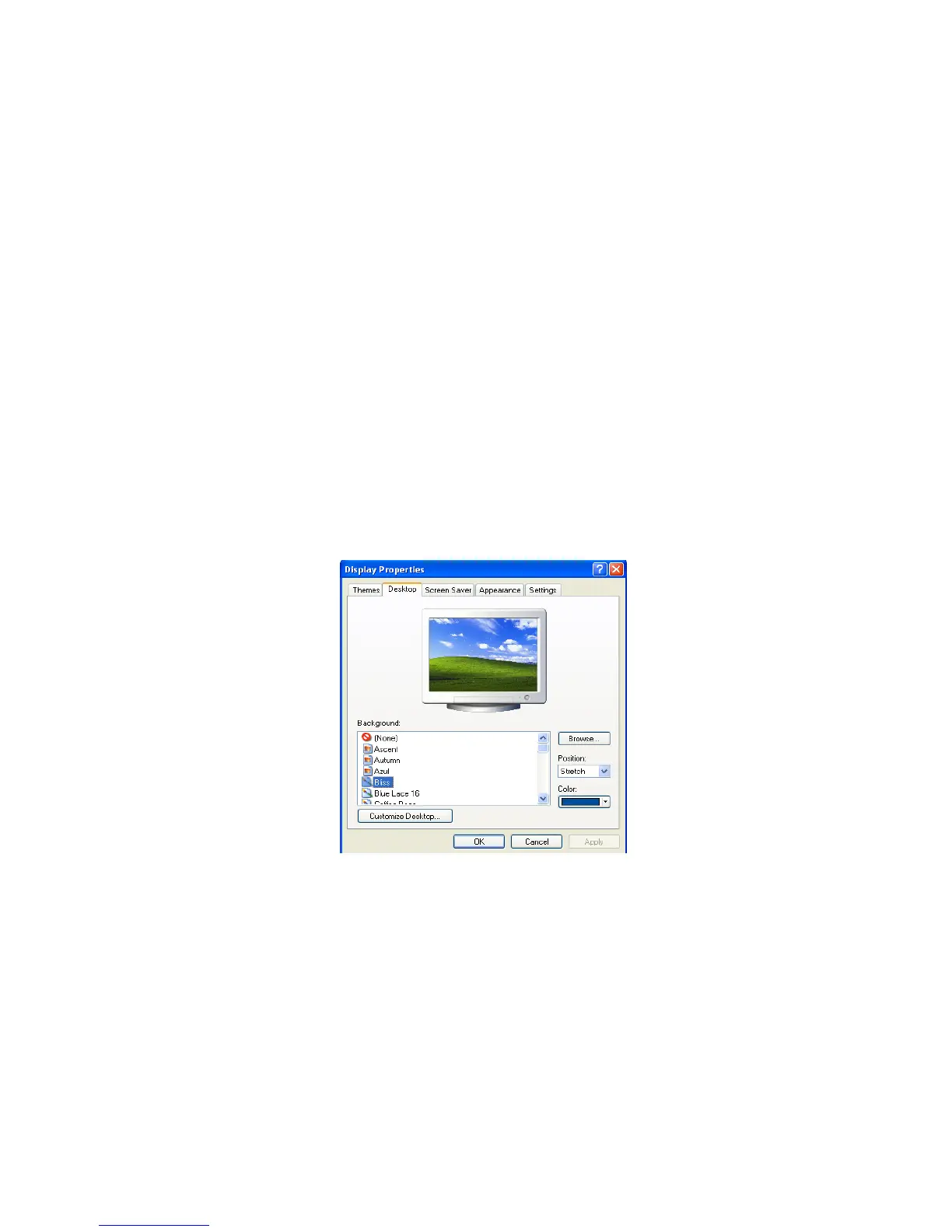
Changing the desktop background
Click [Start]->[Control Panel]->[Display].
Click [Desktop] tab. (OR you can right click on the mouse while in desktop
background. When a short cut menu pops up, choose [Properties]
Scroll down the [Background] drop down menu and select an image for the
background. You can also click [Browse] button and select an image you have
saved.
Setting the Screen Saver
Click [Start]->[Control Panel]->[Display].
Click [Screen Saver] tab.
- 49 -



 To Next Page