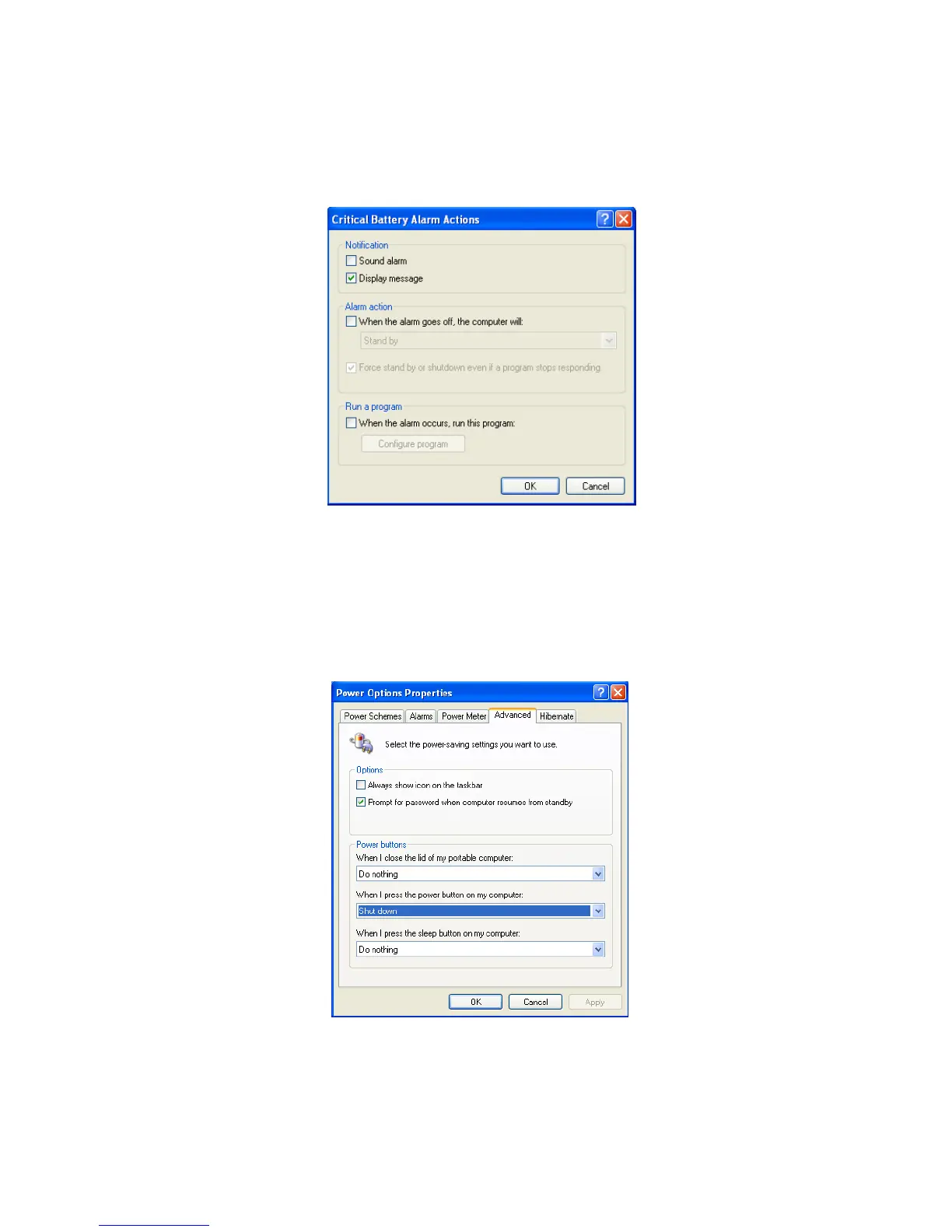
You can be notified with Sound alarm or Display message. You can also set the
alarm action such as putting the computer into System standby mode or System
hibernation mode. You can also run a specific program when the alarm goes off.
Advanced tab
In Options, you can set the computer to prompt for password when computer
resumes from standby. You can also set the computer to enter a power-saving
mode when closing the display panel, pressing the power switch or the
combination of Fn+F4.
- 53 -



 To Next Page