- 56 -
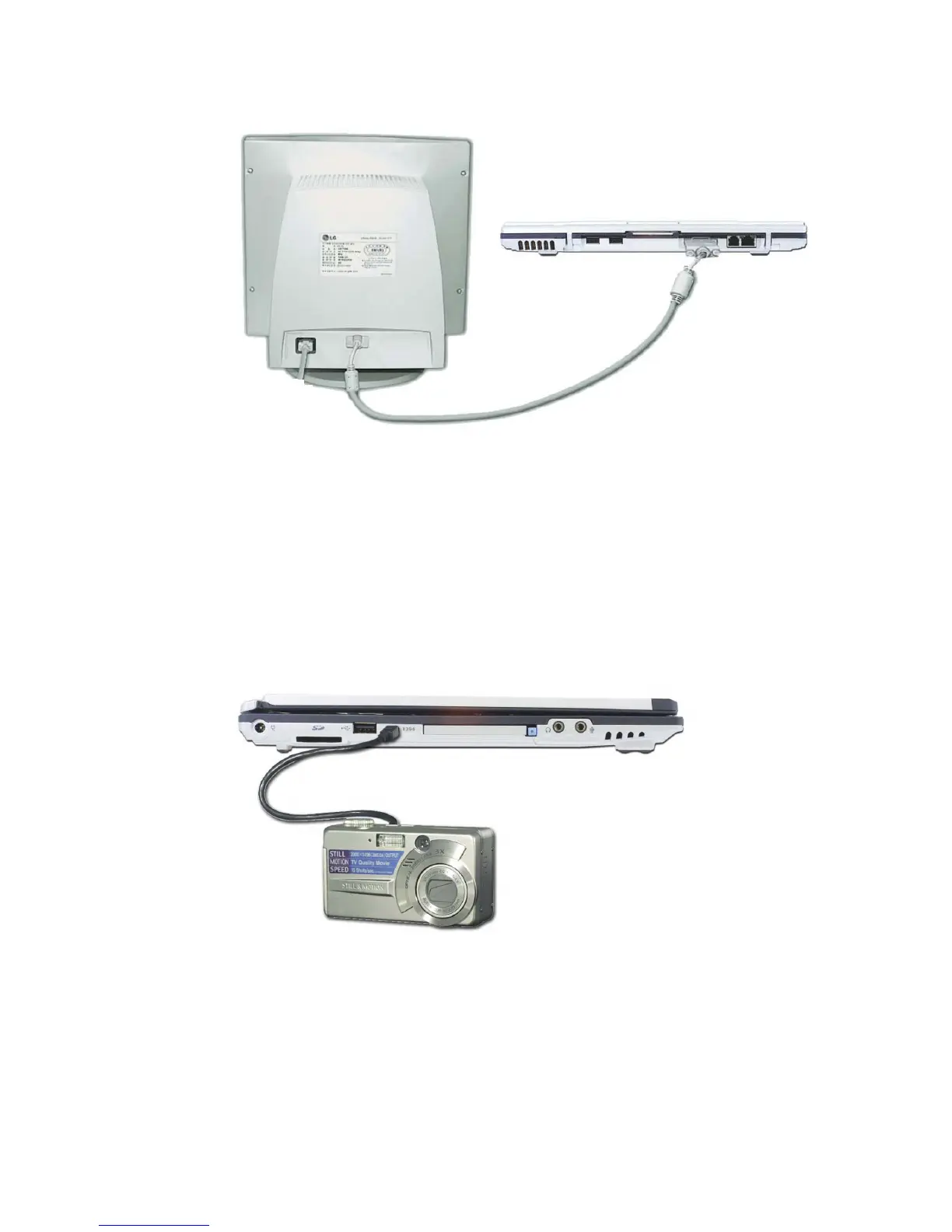
Monitor toggle function (switch the monitor by short-cut keys)
After install the external monitor to the notebook PC, use Fn + F7 to switch the
main monitor to LCD only, monitor only, and LCD + monitor both, in sequence.
Attaching an IEEE 1394 device (Option)
External monitor
(not included)
Digital Camera
(Purchased separately)
You can attach IEEE 1394 devices such as external hard disk drive or CD-RW
drive, MP3 player, digital camera, and video camcorder.



 To Next Page