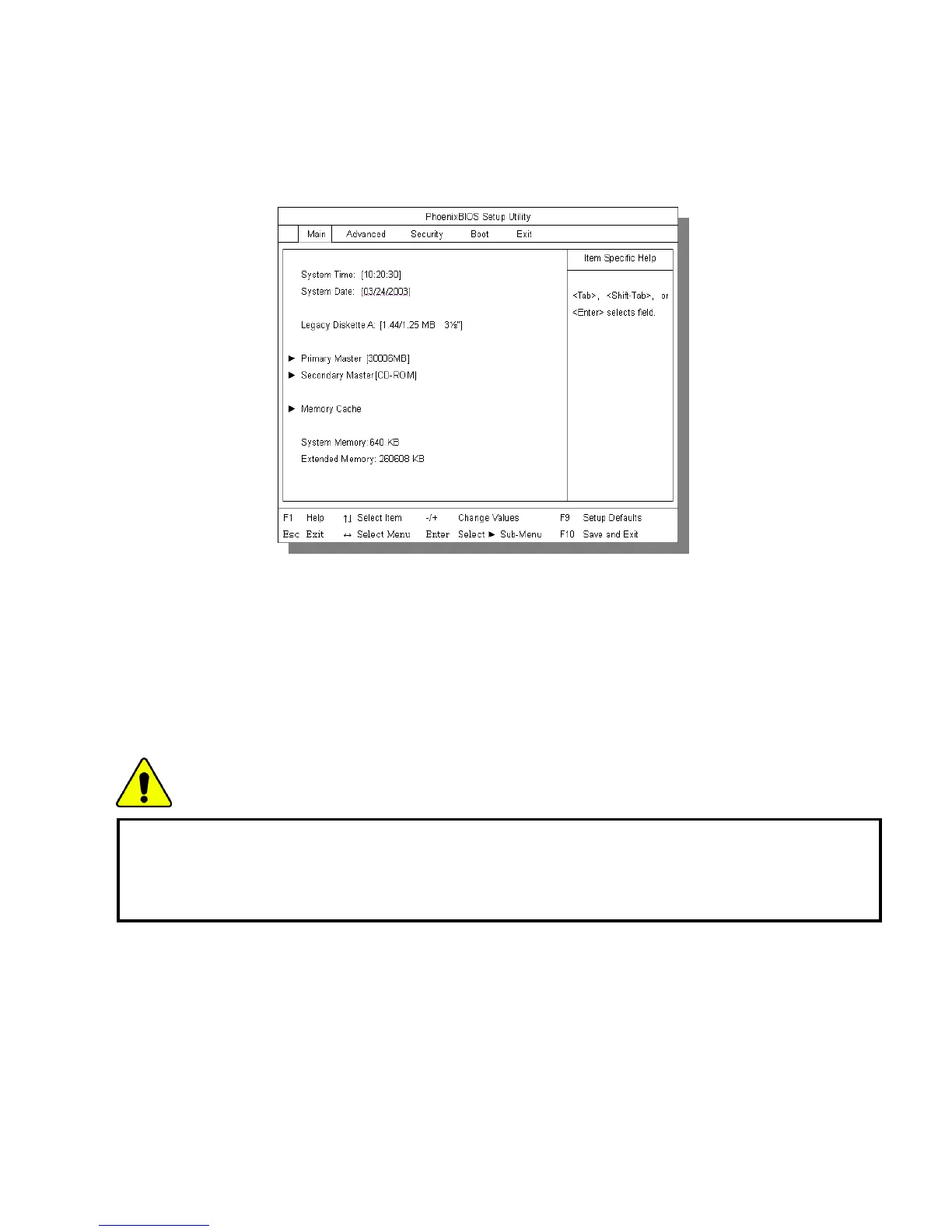
Turn on the computer.
When LG logo appears on the screen, press F2.
The BIOS Setup Utility window appears.
Setting a password
If you want to protect the system setup from an unauthorized user, follow the
instructions below to set a password.
You can set a password in the BIOS Setup Utility program.
Caution
If you forget the password, you cannot gain access to your system. Make sure
you write down the password in a safe place only you can refer to in case you
forget the password.
Setting a supervisor password
A password protects your computer from unauthorized users. The factory default
- 71 -



 To Next Page