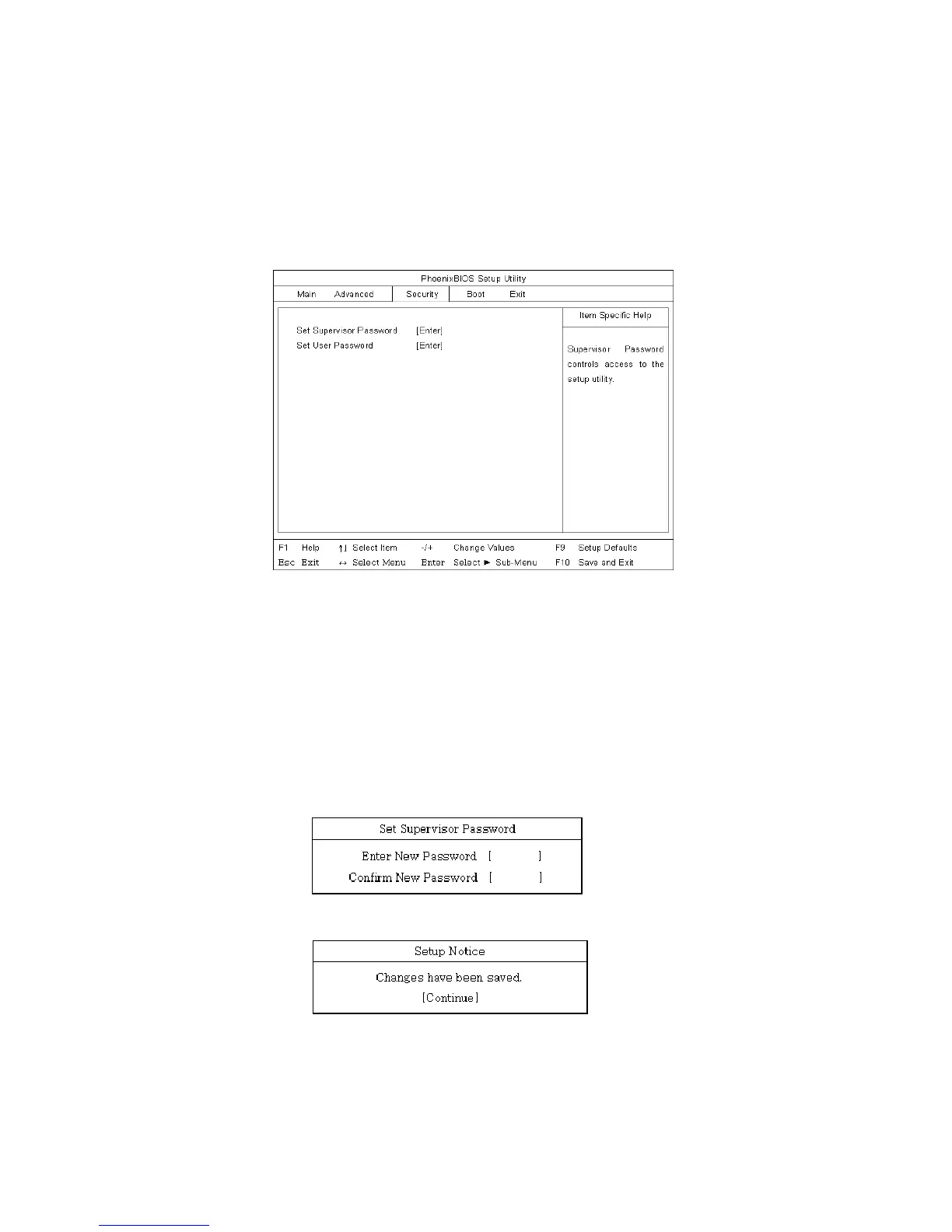
setup does not have a password. A supervisor password prevents unauthorized
users from changing the system setup.
Start the BIOS Setup Utility.
Use arrow keys to select Set Supervisor Password under Security menu, and then
press Enter.
Note:
You can use a supervisor password to gain access and change items in the BIOS
Setup Utility, and select Power on Boot. We recommend using a user password if
someone else has to use the computer.
If the following message appears, enter a new password and press Enter. A
password must be consisted of character A~Z and numbers 0~9, and have the
maximum length of 8.
If the following message appears, press Enter.
Press F10 to save the new settings.
- 72 -



 To Next Page