Type the name is appropriate at [Profile List] after making a decision whether a
user belonging to [Domain], or a member of [Work Group].
Choose one of setting options as below.
When setting [Obtain an IP address automatically],
- IP address, Subnet mask, Default Gateway windows are changed the color as
grey automatically.
When setting [Use the following IP address]
- Insert IP address, Subnet mask, Default Gateway window. Then, insert DNS
Server.
Click the [Profile Save] button when finishing inserting items in [Profile List]
Note:
When setting [Obtaining an IP address automatically], it is unavailable to
insert IP address, Subnet mask, and Default gateway.
When pressing [Profile Apply], no items appear at [Profile List].
If a user needs to apply the specific item, select one of items at [Profile List],
and click [Profile Apply].
Changing the Themes and Desktop background
Using the Windows Classic Theme
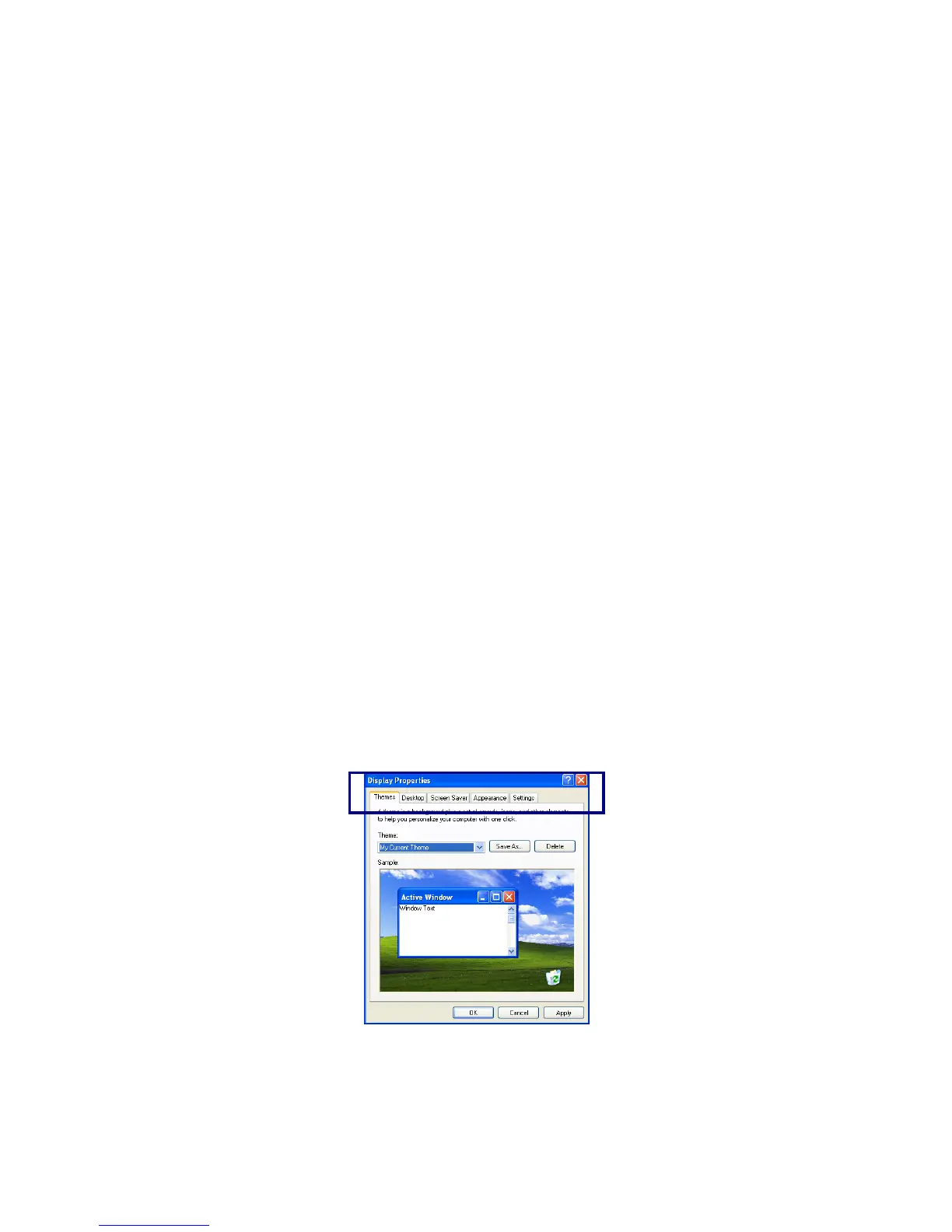
Click [Start]->[Control Panel]->[Display].
Click [Themes] tab
Select [Windows Classic] from the [Theme] drop down menu.
- 48 -



 To Next Page