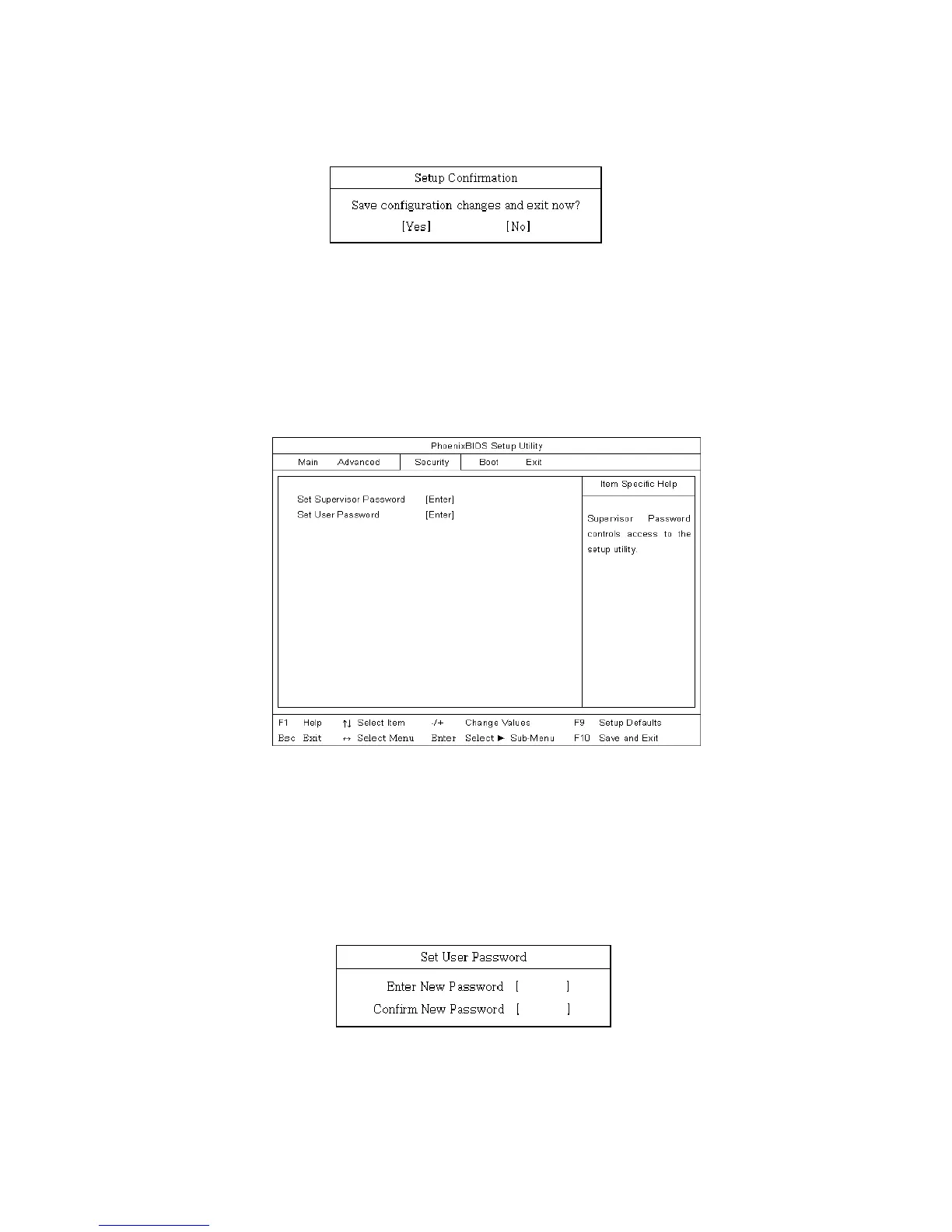
If the following message appears, select [Yes] and press Enter to restart the
computer.
Setting a user password
A user password is a secondary compared to a supervisor password. You must set
a supervisor password in order to set a power-on password.
Start the BIOS Setup Utility and use arrow keys to select Security menu.
Use arrow keys to select Set User Password and press Enter.
Note:
A power-on password gives limited access for changing the settings in the BIOS
Setup Utility compared to a supervisor password.
If the following message appears, enter a new password and then press Enter. A
password must be consisted of character A~Z and numbers 0~9, and have the
maximum length of 8.
- 73 -



 To Next Page