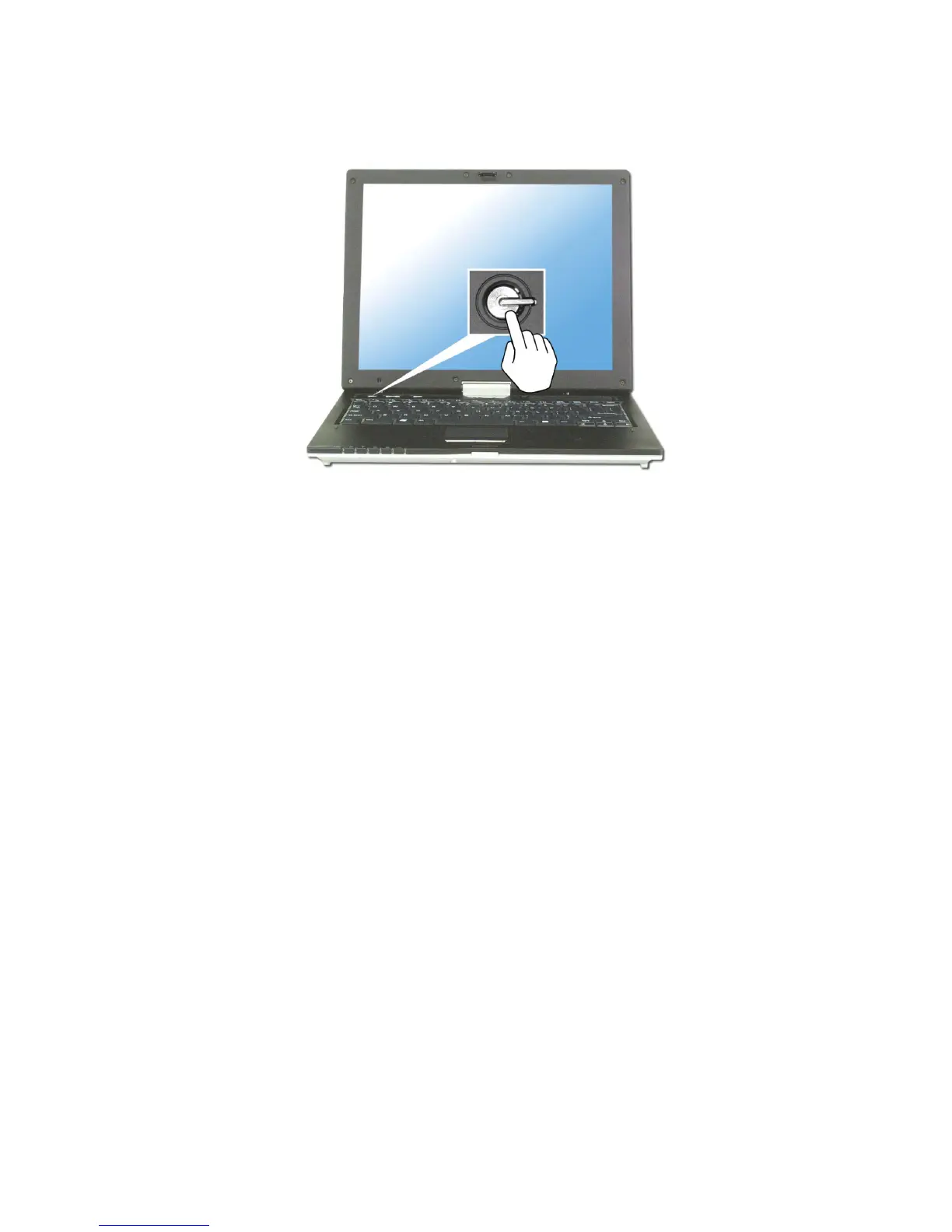
2. Press the power switch.
Note:
The power switch has an option to protect for pressing as user’s disposal.
3. Pressing the power switch starts the self-diagnostic procedures; then
Windows(R) XP startup screen is displayed.
4. If you turn the power on the computer for the first time, you have to register
your copy of Windows XP. The registration process may differ depending on
the model, but the difference does not affect the use of your computer.
5. In a moment, ‘Welcome to Microsoft Windows’ appears on the screen. Click
[Next].
6. ‘The End User License Agreement’ appears on the screen. Be sure to read the
agreement, select ‘Yes, I accept’, and click [Next].
- 35 -



 To Next Page