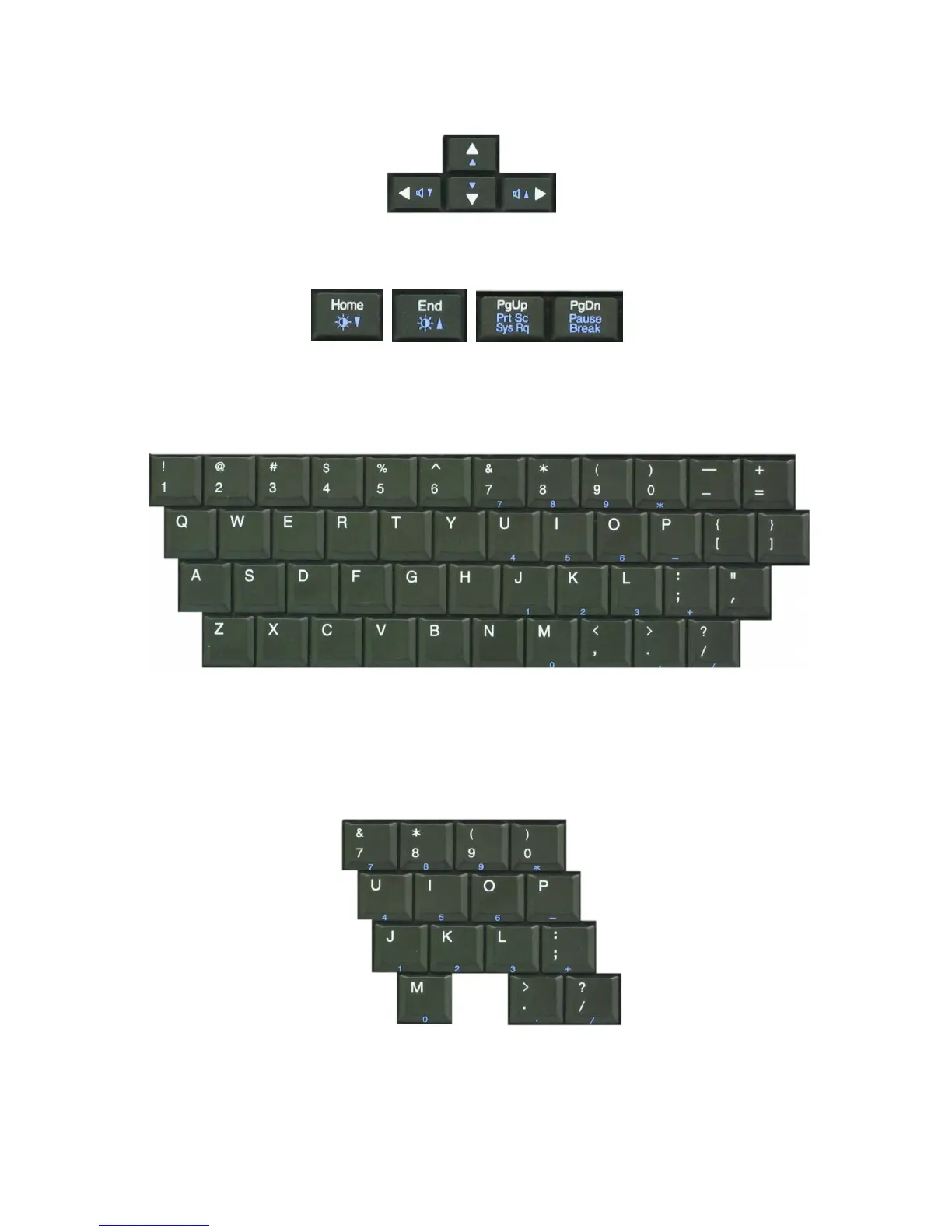
Cursor control keys: You can move the cursor in the direction of the arrows.
Editing keys: You can move the cursor to the beginning or end of the current line,
or up and down the screen.
Character and number keys: consist of character keys, number keys, special
character keys, and spacebar. Spacebar is used for creating a space between
characters.
Embedded numeric keys: You can press the combination of Fn and ScrLk keys to
enable the embedded numeric keypad. Num Lock indicator lights up and enables
you to use the embedded numeric keypad shown below. You can press the
combination of Fn and ScrLk keys again to disable the embedded numeric keys.
- 60 -



 To Next Page