33
USING THE PROJECTOR
To Set Channel
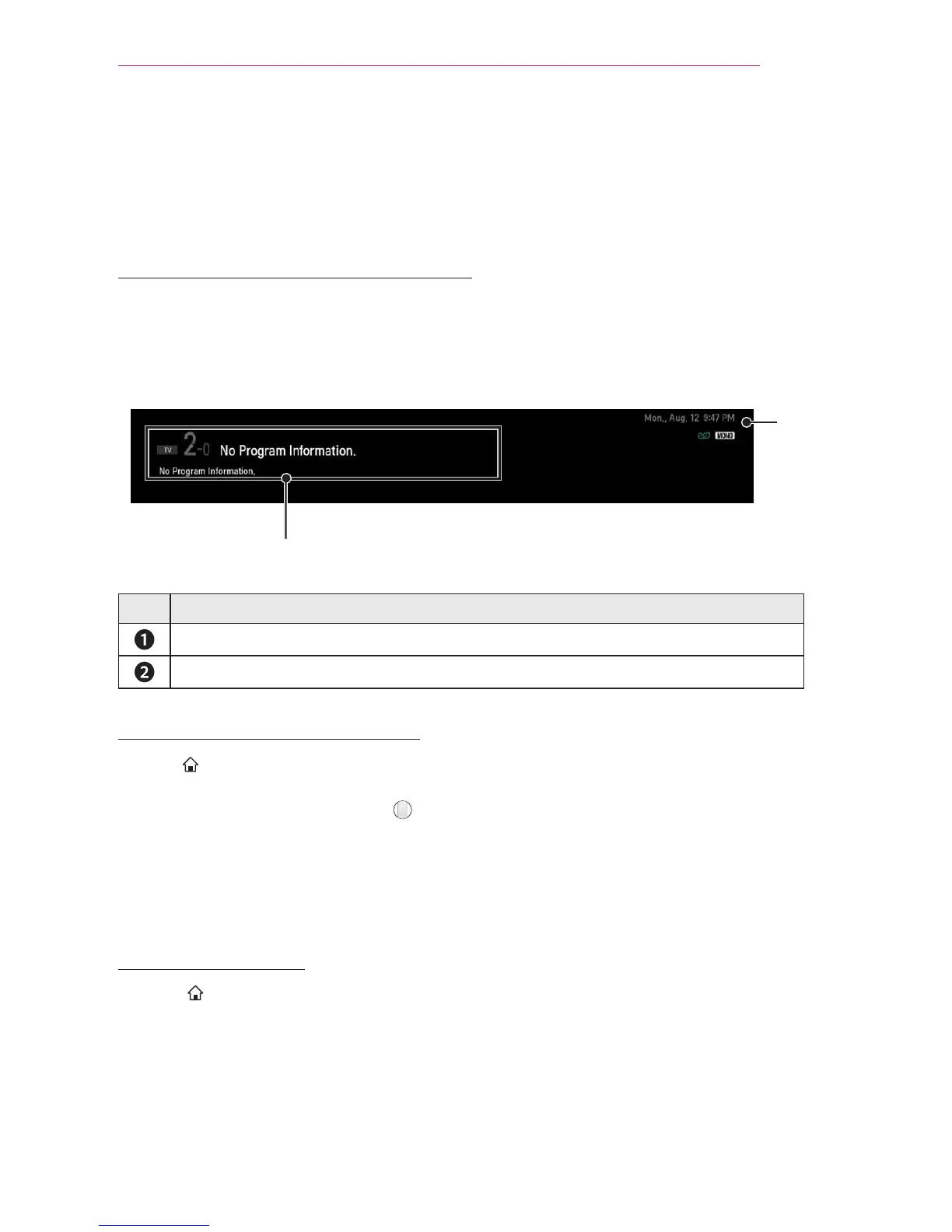
Displays information on current program or current time, etc.
Image shown may differ from your projector.
To View Program Information
1 Move the pointer of the magic remote control to the top of the projector screen.
2 Click the activated channel banner area.
3 The program details will be displayed at the bottom of the projector screen.
❶
❷
Description
Current time
Program name/ Detail information on program (for digital broadcast)
To set Favorite Channels
SMART
→ Settings → CHANNEL → Channel Edit
1 Move to the desired channel on Wheel (OK) button. Channel is selected.
2 Press Set as Favorite.
3 Select the desired Favorite channel group.
4 Select OK. Favorite is set.
To use Favorite
SMART



 To Next Page