button on the remote control.
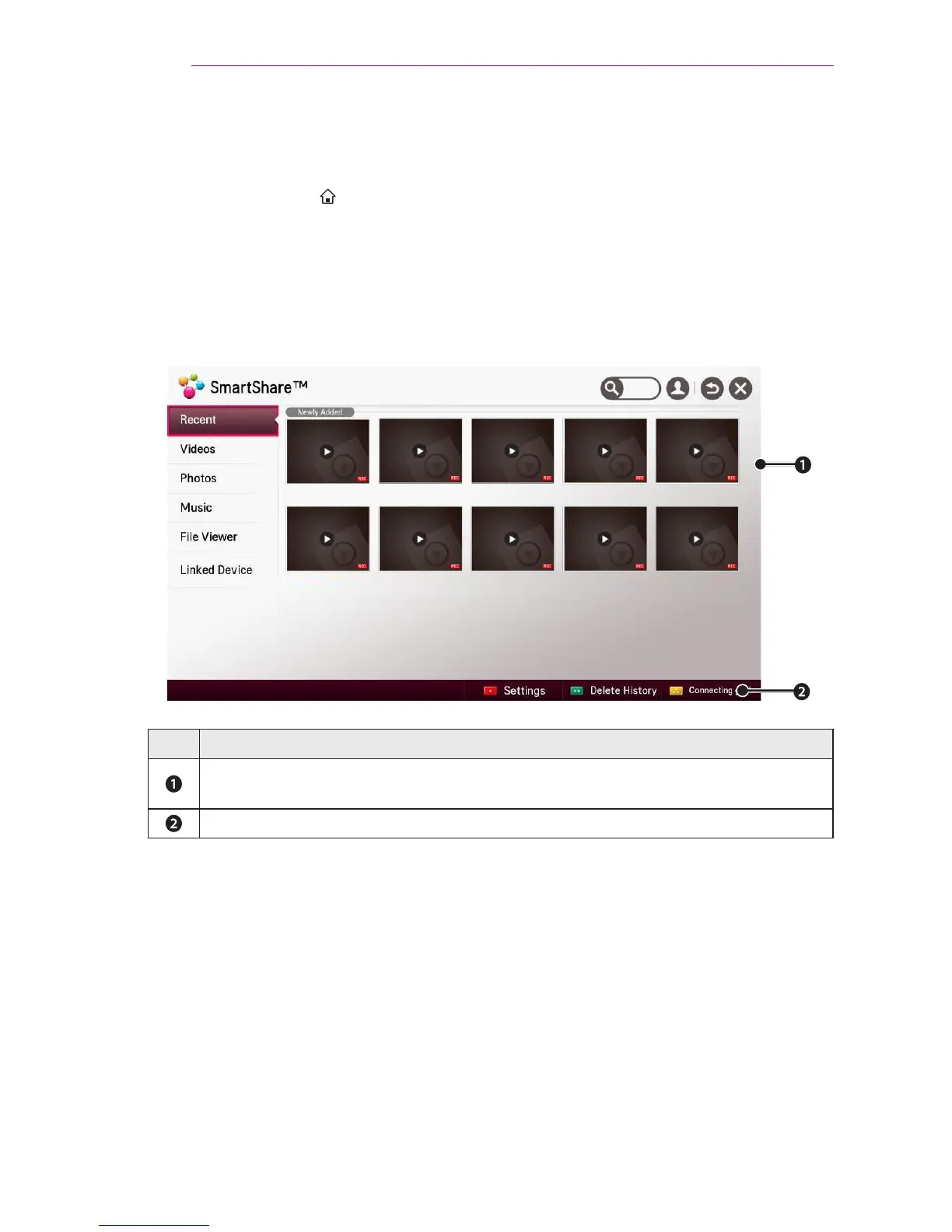
2 Select SmartShare™.
You can watch the photo, music, video and document on the projector by connecting
a USB or home network (DLNA). The photo, music, video and document les of all
devices connected to the projector are displayed. (For the document les, only those in
the devices connected via USB are displayed.)
000 001 002 003 004
005 006 007 008 009
Description
Displays photo / music / video / document les on all devices connected to the
projector.
Shows how to connect PC, smartphone/device, and USB.



 To Next Page