→ More
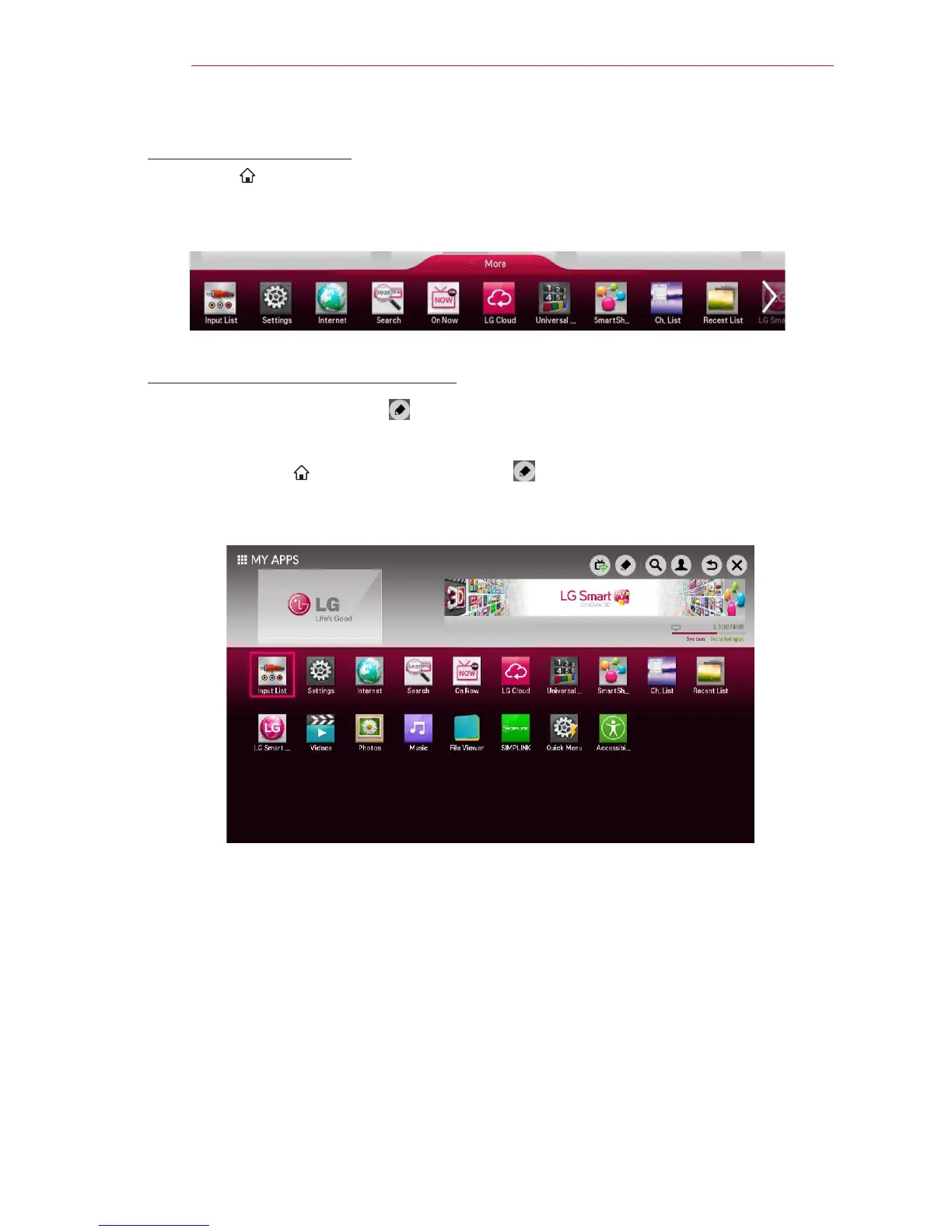
Select More at the bottom of the home screen.
Select More to check apps pre-installed apps and apps you have downloaded.
To Edit Items in MY APPS
On the MY APPS page, select
(
Edit) at the top of the screen to move or delete
apps. Please note that system apps can be moved, but cannot be deleted.
Select SMART
→ More → MY APPS → (Edit).
Changes orders / deletes items by dragging the app icons if your device has a Magic
Remote Control.



 To Next Page