82
USING ADVANCED FUNCTIONS
To Use a USB Input Device On a Projector
To Use a USB Wired/wireless Mouse
Connect your mouse to the USB port. Use the mouse to move the pointer on the
Projector screen and select the menu you want.
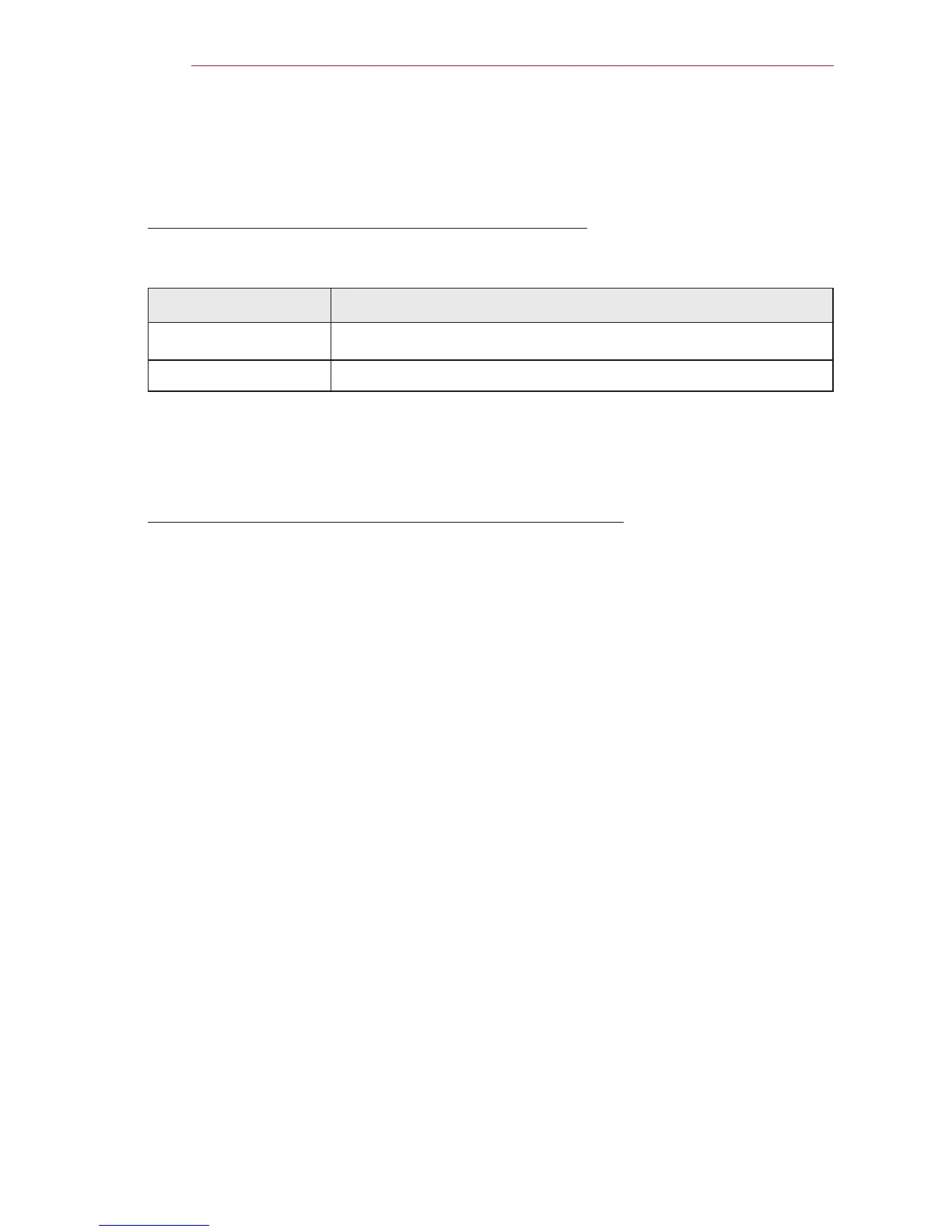
Mouse Magic Remote Control
Left Button OK Button on Magic Remote Control
Wheel Button Wheel Button on Magic Remote Control
The right and the special buttons on the mouse do not work with the Projector.
The usability of a wireless USB mouse and keyboard may be affected by Radio
Frequency environment and the distance.
To Use a USB Wired/wireless Keyboard
Connect your keyboard to the USB port. You can enter text with the keyboard when
using the search function and the Internet.
Text cannot be entered on some screens.
It is recommended to use the product which is tested for compatibility with the LG
Projector.
LOGITECH K200, LOGITECH K400, MICROSOFT Comfort Curve 2000,
MICROSOFT MS800, and LG Electronics ST-800
You can change the input language by pressing the language switch key (or the right
Alt key) on your keyboard.



 To Next Page