33
USINGTHEPROJECTOR
EditingYourChannelList
1 Press the SETTINGS button.
2 Press the , , , or button to select CHANNEL and press
the OK button.
3 Press the , button to select ChannelEditand press the OK
button.
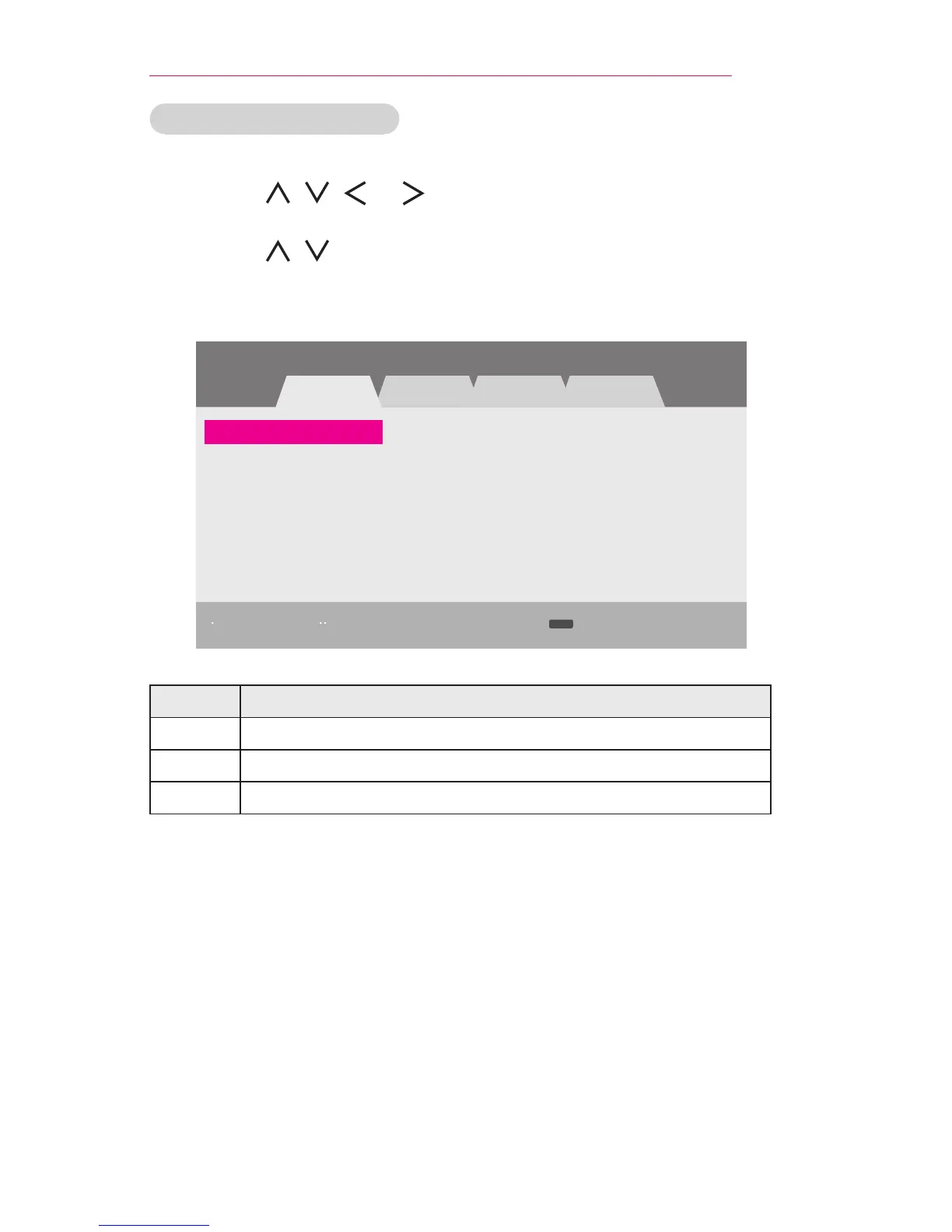
4 Edit a channel by using the buttons below.
Channel Edit Antenna
Page 1/1
3-1 5-1 7-1
DTV TV Cable DTV Cable TV
ꔅ Add/Delete ꔅ Block/Unblock Favorite Ch.
ꔂ Move ꔉ OK
FAV
Button Description
Red Adds or deletes a channel.
Green Block or unblock a channel.
FAV Adds a favorite channel.
5 When you are nished, press the SETTINGS button.



 To Next Page