34
USINGTHEPROJECTOR
FavoriteChannelSetup
1 Press the SETTINGS button.
2 Press the , , , or button to select CHANNEL and press
the OK button.
3 Press the , button to select ChannelEditand press the OK
button.
4 Move to your desired channel.
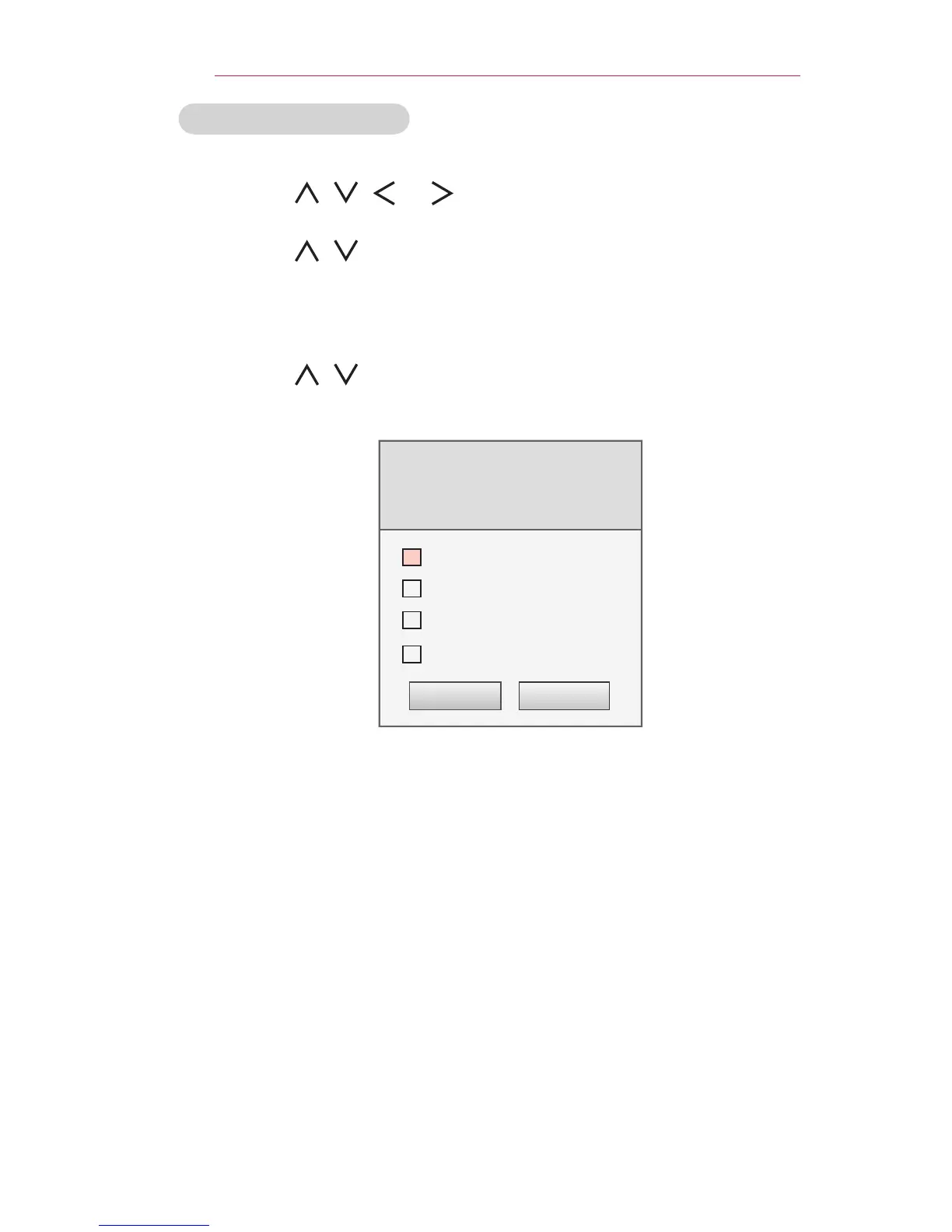
5 Press the FAV button to access the SetasFavorite.
6 Press the , buttons to to scrolls through channel group.
7 Press the OK button.
Set as Favorite
Select a favorite channel group.
Multiple selection is available.
Group A
Group B
Group C
Group D
OK Cancel



 To Next Page