56
MYMEDIA
BrowsingFileList
1 Connect a USB device.
2 Press the SETTINGS button.
3 Move to MYMEDIA.
4 Use the , or button to select FileList and press the OK button.
5 Use the , , , or button to select the le you want and press
the OK button.
USB STORAGE DEVICE
Butterfly_...
06/09/2014
Go to root folder
Go to upper folder
1
3
6 7
2
5
4
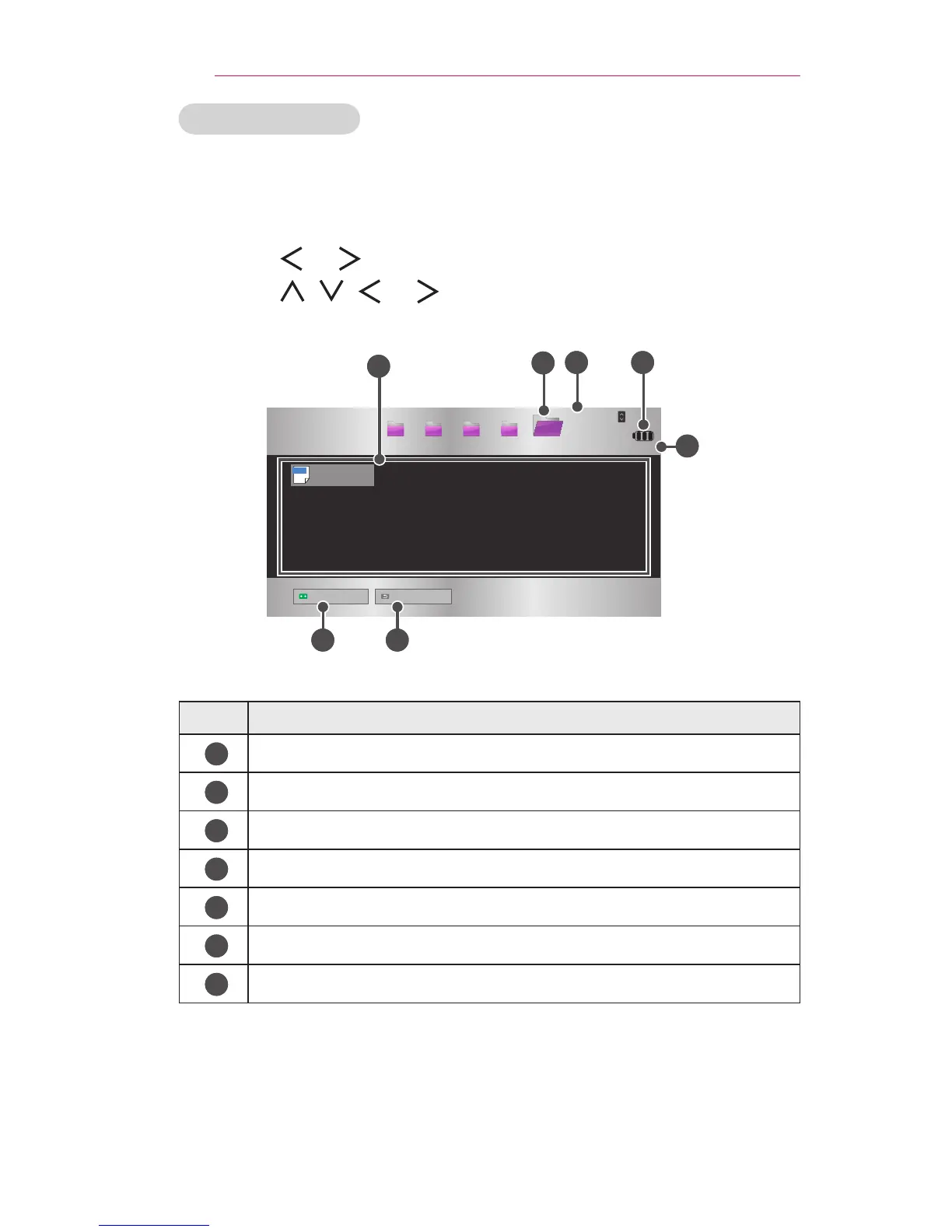
No. Description
1
File List
2
Moves to the upper level folder.
3
Current page/Total no. of folder pages
4
Displays the remaining battery life.
5
Current page/Total no. of le pages
6
Moves to the top level folder.
7
Moves to the upper level folder.



 To Next Page