57
MYMEDIA
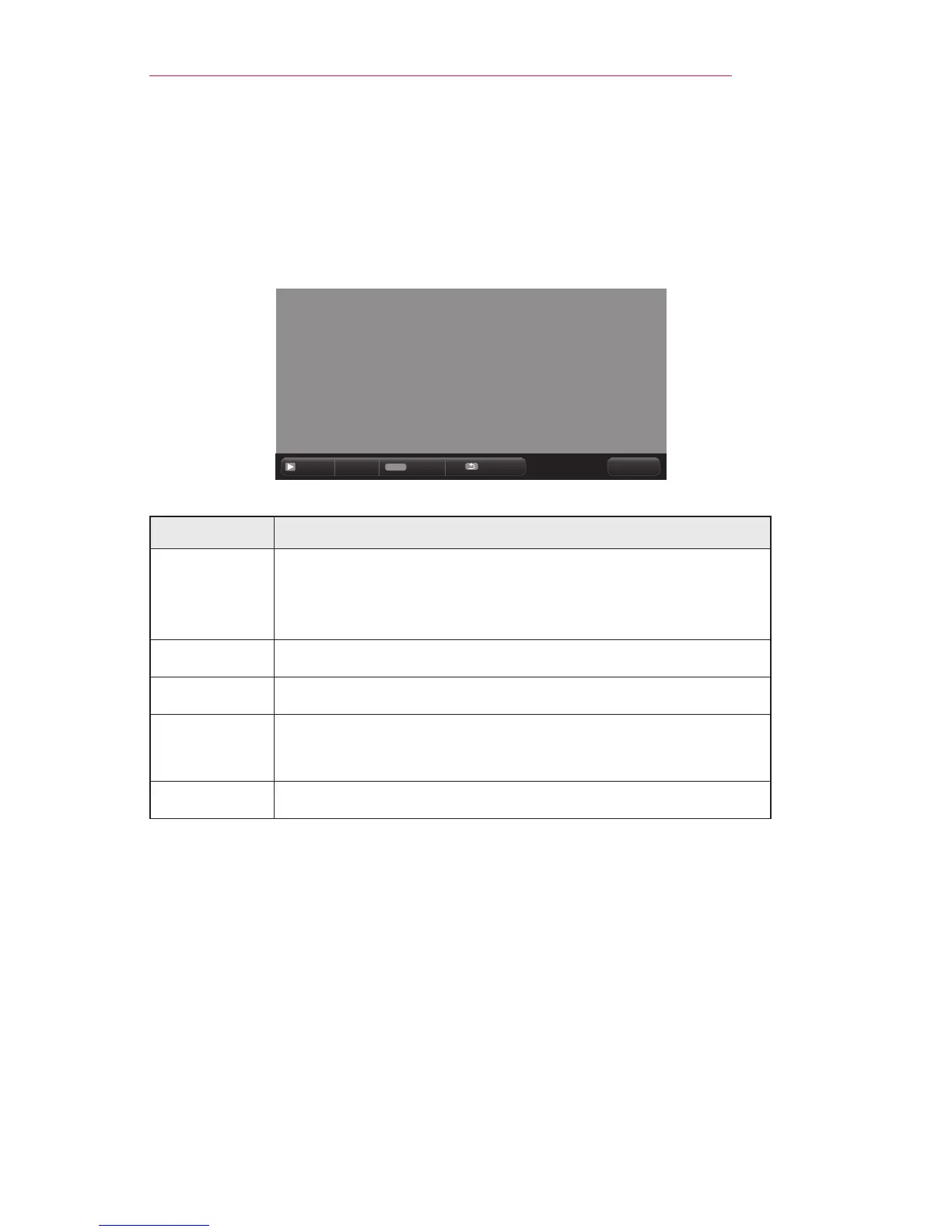
6 Control playback by using the following buttons.
• Click GoPage then the pop-up window for selecting the number of page
appears. Input the page to move to the page you want.
• Press the VOLUME+,- button to zoom in or zoom out.
Press the OK button and then use the Up/Down/Left/Right buttons to
move to GoPage or Zoom.
ꔦ
Q.MENU
Go Page Zoom Option Hide Exit
Item Description
GoPage
Moves to the page you want.
Use the Up/Down/Left/Right buttons to select a page
and press the OK button.
Zoom Enlarges or reduces the document.
Option Sets up the options of File Viewer.
Hide
Hides the menu.
• Press the OK button to make it appear.
Exit Returns to the File Viewer screen.



 To Next Page