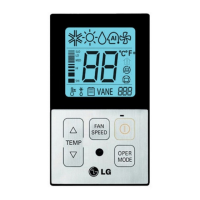
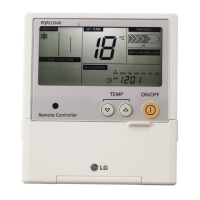
12 Wired Remote Controller
Installation instruction
• As the characteristic of the ʻ2THʼ function can be different in accordance with the
products, refer to the product instruction manual for its detail.
Installer Setting -Thermistor
This is the function to select the temperature sensor to judge the room temperature.
TEMP
FAN
SPEED
OPER
MODE
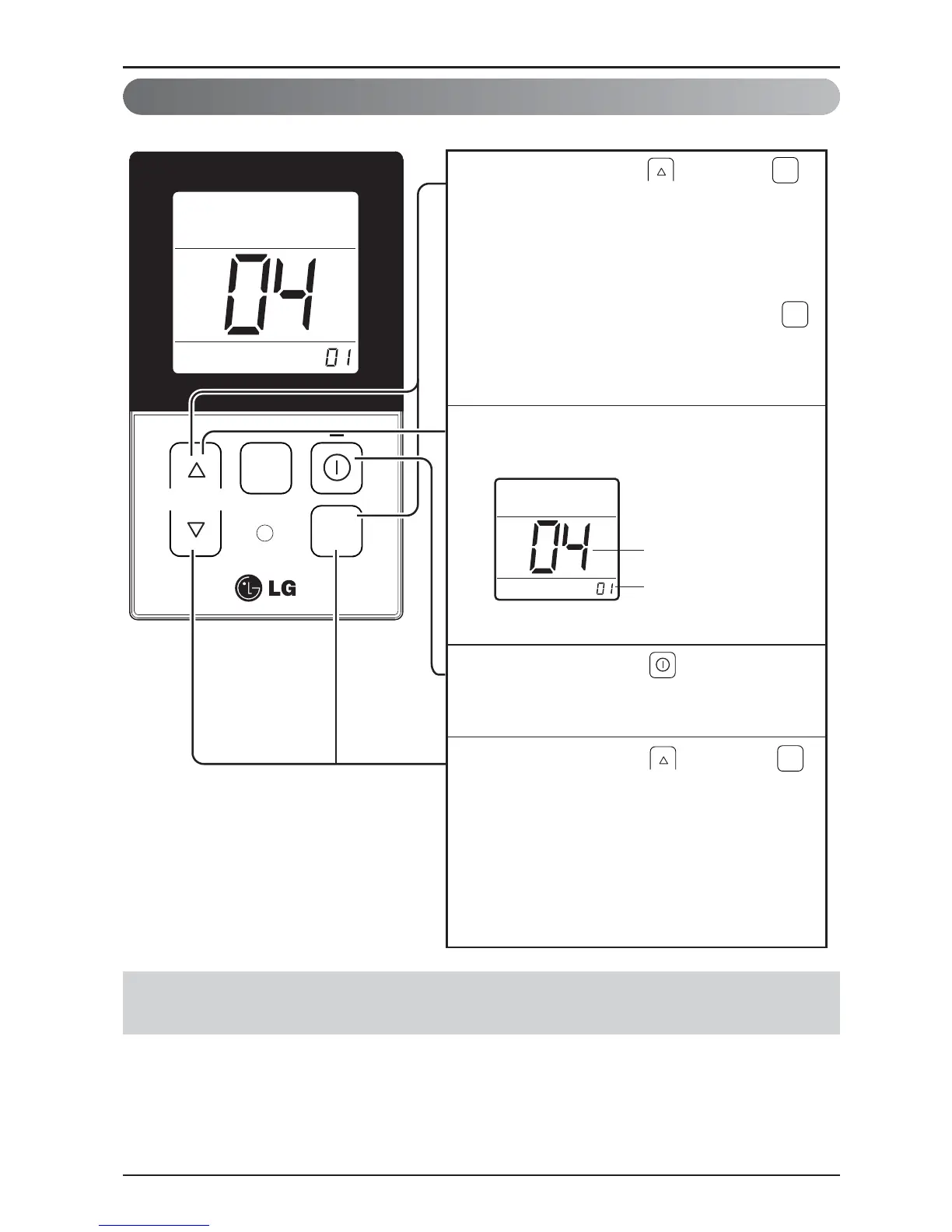
When pressing the button and
button simultaneously for more than 3
seconds, the system will be entered into
the installer setting mode.
- After entering into the installer setting
mode, select the thermistor sensor
setting code value by pressing the
button.
* Thermistor sensor selection code
value : 04
1
Select the desired setting value with the
temperature up(▲), down(▼) button.
2
When pressing the button, currently
established thermistor sensor location
will be set up.
3
When pressing the button and
button simultaneously for more than 3
seconds after the setting has been
completed, the setting mode will be
released.
- If there isn’t any button input for more
than 25 seconds, the installer setting
mode will also be released.
4
OPER
MODE
OPER
MODE
Code value
*Setting value
01: Remote
controller
02: Indoor unit
03: 2TH
OPER
MODE
Value


 To Next Page
 Loading...