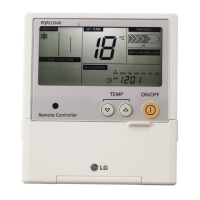
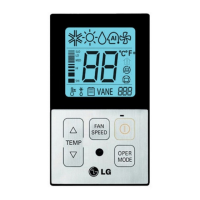
TEMP
FAN
SPEED
OPER
MODE
Select the proper fan speed which you want
by pressing the button on the remote
controller.
- If you press the button, the fan speed
will change in the order of [SLo→Lo→Med→
Hi→Po].
- The initial fan speed is “Hi”.
- If the product is not compatible with the fan
speed Control, it will not function as per
your selection.
1
FAN
SPEED
Po
Hi
Med
Fan Speed Selection in Cooling Operation
Lo
Fan Speed Selection in Heating, Dry, Fan,
Auto-Operation
Hi
Med
Lo
Function Setting - Fan Speed Selection
It blows the air as it is in the indoor, not the cold wind.


 To Next Page
 Loading...