LS9 User Guide
Libre Wireless Technologies User Guide : LS9 / LS9AD, Ver. 5.3 Page 14 of 75
Libre Confidential
3. Firmware Upgrade
If LS9 Modules are loaded with BIST image, then to load the LS Application image on the
LS9 Modules, see document “LibreWirelessTechNote - LibreSync_LS9_SoftwareProcess_Tool”
available in Libre Portal.
If LS9 Modules are loaded with LS Application image, then follow the steps as explained in this
chapter.
Firmware Application Upgrade on LS9 module can be done in one of the following ways.
USB Method
Network Method
Internet Method
PC / Laptop Method
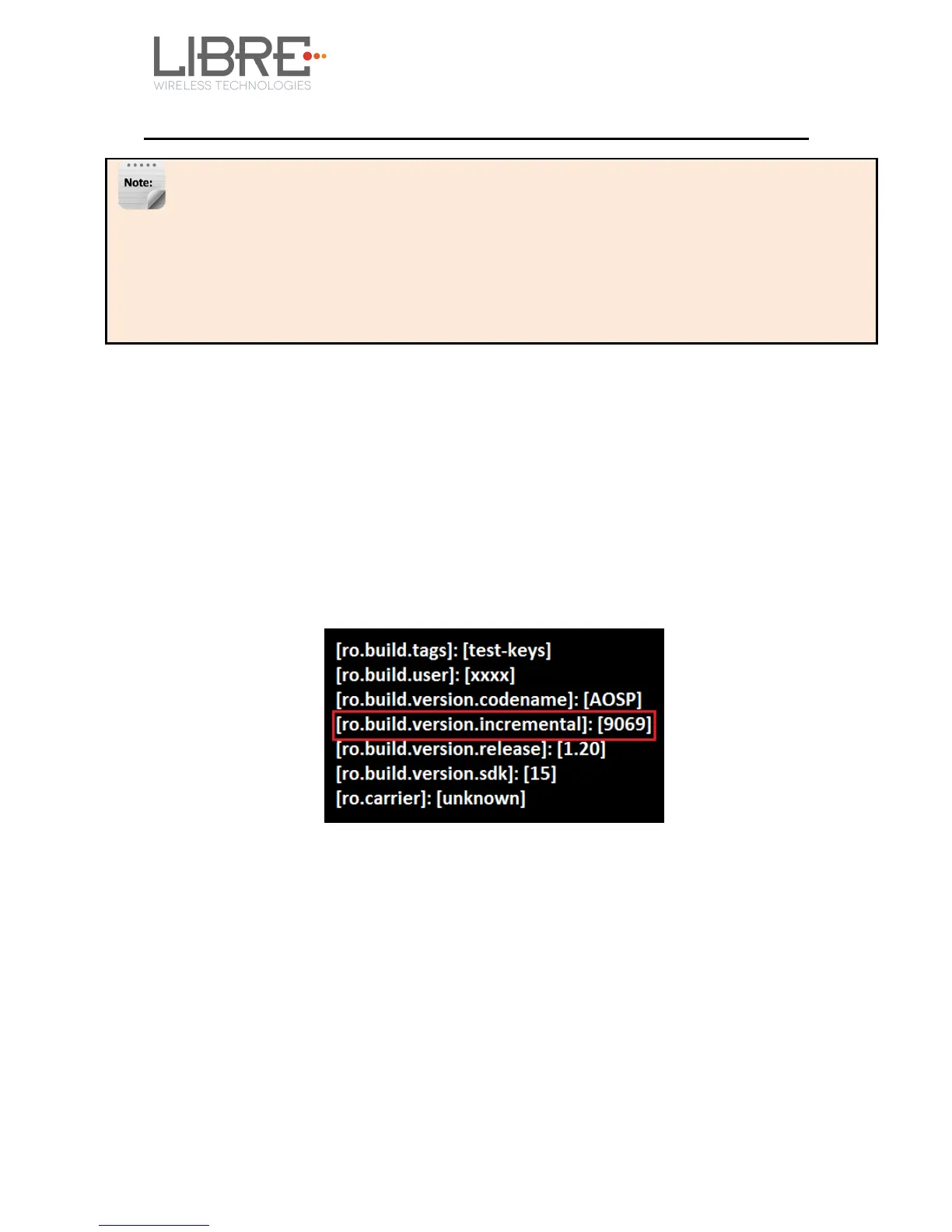
To know the firmware version present in the LS9 module, execute the following
command “#getprop” in the device terminal.
3.1. Preparing for Firmware Upgrade.
3.1.1 Upgrade Guidelines
Before updating the LS9 firmware onto the modules, see the table below to know the
appropriate method of update to be used.



 To Next Page