LS9 User Guide
Libre Wireless Technologies User Guide : LS9 / LS9AD, Ver. 5.3 Page 42 of 75
Libre Confidential
Step 1. Connect the iOS / Android device in same network as your LS-Device.
Step 2. Open the Cast for Audio Application on iOS / Android device
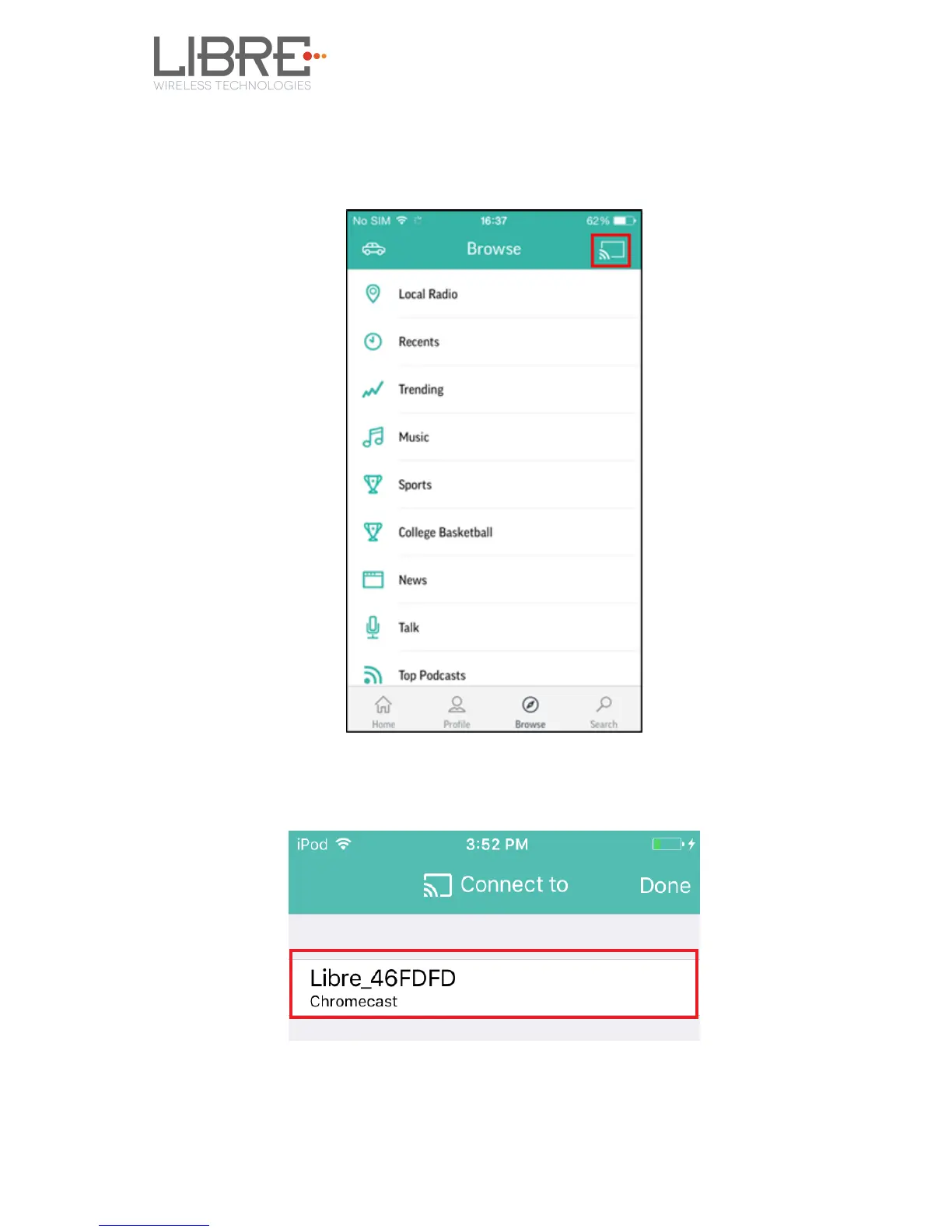
Step 3. Tap the Cast icon on Cast for Audio Application
Figure 6.6-1: Cast for Audio Application Menu
Step 4. Cast For Audio enabled LS-Device is listed
Figure 6.6-2: Device list
Step 5. Select the device and start Cast For Audio streaming



 To Next Page