LS9 User Guide
Libre Wireless Technologies User Guide : LS9 / LS9AD, Ver. 5.3 Page 63 of 75
Libre Confidential
End--
7.2. Rework on LS6 EVK to evaluate LS9 Module.
If you are using LS6 EVK for LS9 module evolution then
Step 1. Remove electrolytic capacitor C15, C22, USB connector and Re-mount and
soldier electrolytic capacitor on the back side of the LS6 EVK.
Step 2. Connect 5v from LS6 EVK to LS9 module USB_VBUS J1-pin 17
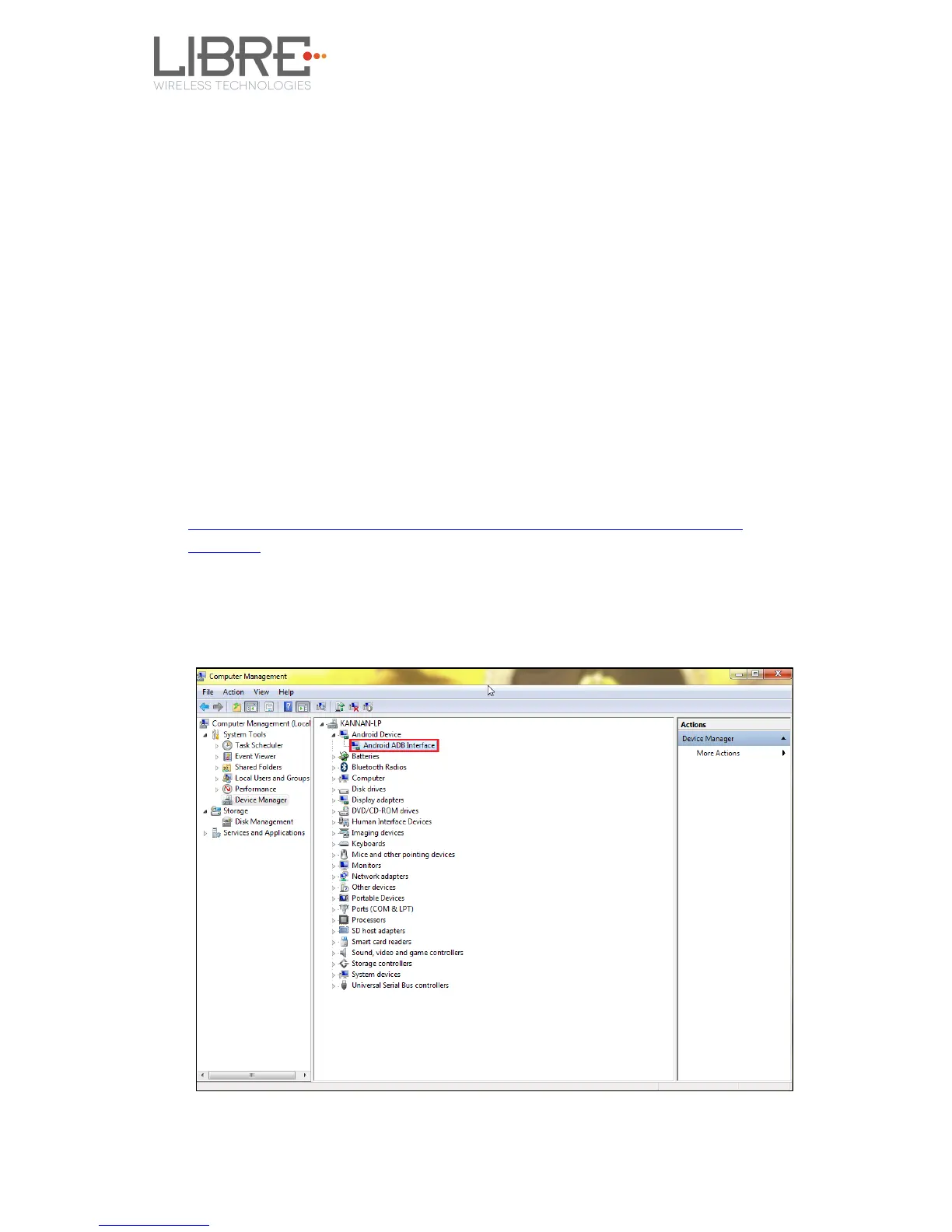
7.3. Install USB Composite Drive
To Install USB Composite Drive proceed as below
Step 1. Download Marvell Windows USB Driver available in Libre Portal
https://librewireless.sharefile.com/share#/view/s465a9d86cfb4fc4b/fi43add6-6929-324d-14ea-
debffef787bf
Step 2. Connect the power adaptor, press and hold the USB-Boot button, and
simultaneously connect the USB cable and power on the EVK.
Step 3. Open Device Manager.



 To Next Page